Start questions with slide
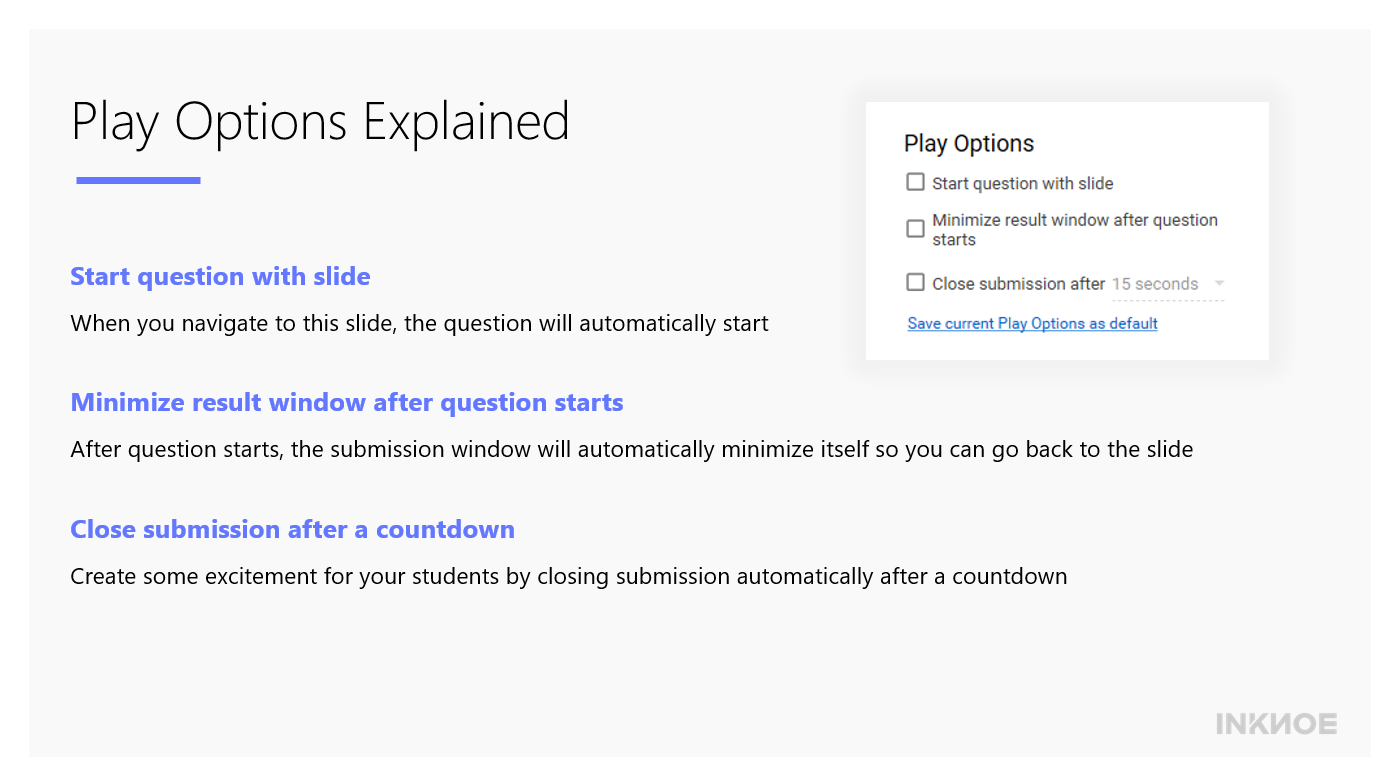
If you check this box, your question will automatically start when you navigate to this slide in your presentation.
This can save you time and effort in not having to click the button to begin the question. Use this when there is nothing to explain before the question begins and you want your students to answer the question right away.
Minimize result window after question starts
After the question starts, the result window will automatically minimize itself so that you can see the whole question slide.
You can also use this if you do not want to see your students’ submissions right away. This way, students are not distracted by what their classmates are submitting.
Close submission after a countdown
This option is a timer for your questions. To only give your students a limited time to submit their responses, you can choose this option along with the time limit you want to give your students.
This can be used to create some excitement in your class when students can see the countdown of how much time is left to submit their answers.
Bonus tip!
When we do a quiz competition with questions one right after the other, we usually click all three of the options with a 30 second time limit. This way, the quiz is fast-paced and adds a bit of fun pressure to the game. Try it out in your next quiz competition!
For more ClassPoint tutorials, check out our Resources page.
