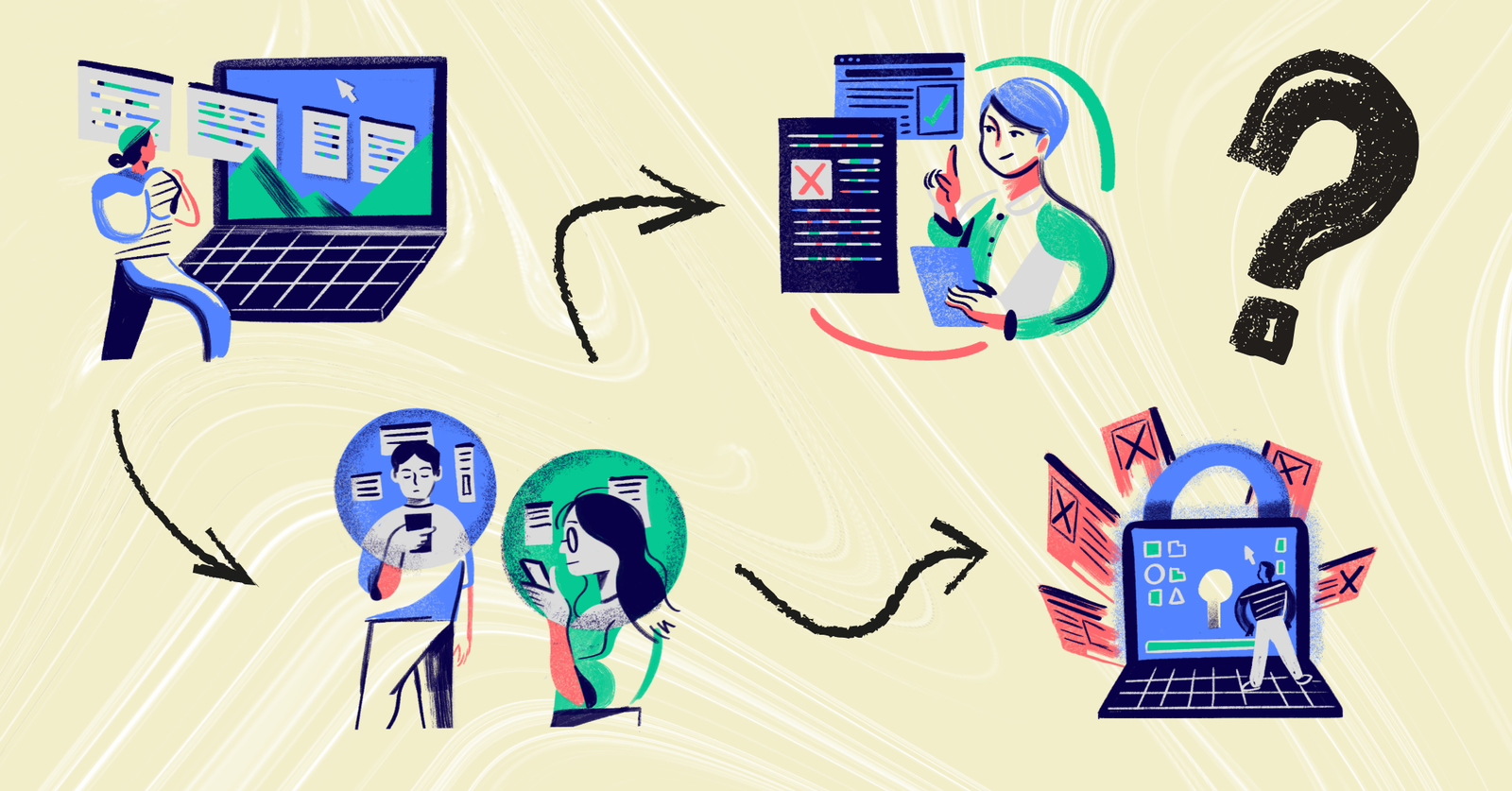
Although we live in a digital world technology has been embedded in our daily lives, digital literacy should never be taken for granted.
In today’s classrooms, students constantly interact with digital content. They read articles online, watch videos, collaborate on shared documents, submit assignments digitally, and participate in discussions through platforms and tools.
And yet many still struggle to evaluate information, communicate clearly online, and use technology responsibly. This gap highlights why digital literacy skills matter and why they must be intentionally developed in the classroom.
Digital literacy skills go beyond knowing how to use devices or apps. They shape how students think, learn, communicate, and participate in digital spaces, both inside and outside the classroom.
Understanding what digital literacy skills really include is the first step toward teaching them effectively.
Why Digital Literacy Skills Matter in Modern Classrooms

Studies consistently show that students are active users of digital tools but often lack strong evaluation skills.
Research from the Stanford History Education Group found that nearly two-thirds of students could not reliably distinguish real news from sponsored content online. In the same study, 96 percent of students failed to consider how a website’s affiliations or funding might influence the information presented, relying instead on surface cues like design or branding.
These findings suggest that while students are comfortable navigating digital spaces, many still need explicit instruction in evaluating credibility, recognizing bias, and verifying sources.
Digital literacy skills are now foundational for learning across subjects. Whether students are analyzing historical sources, solving math problems, or presenting science findings, digital tools are often part of the process.
Strong digital literacy helps students:
✅ Think critically about information instead of accepting it at face value.
✅ Communicate ideas clearly using appropriate digital formats.
✅ Collaborate respectfully and productively with others online.
✅ Use technology ethically and responsibly.
✅ Adapt to new tools as technology continues to change.
To effectively use technology in your classrooms, we suggest reading "EdTech in Schools 101: A Roadmap to Improve Digital Integration and Digital Literacy in Education".
The Teacher’s Role in Building Digital Literacy Skills

For teachers, supporting digital literacy also means guiding students in how to learn with technology, not just through it.
This includes modeling good digital habits, designing activities that require reflection and decision-making, and creating space for students to practice these skills regularly.
Digital literacy skills do not develop automatically. Students need structured opportunities to practice them with guidance.
Effective instruction focuses on:
- Asking students to explain their thinking, not just select answers.
- Encouraging reflection on how information was found and used.
- Providing feedback on both content and digital communication.
- Using technology as a tool for learning, not a shortcut.
In the classroom, these digital literacy skills surface when students research, communicate, create, collaborate, and reflect using digital tools.
Below are ten core digital literacy skills students should actively practice, with classroom-focused examples that show what these skills look like in action:
1. Critical evaluation of information 🔍

Students need to move beyond accepting information at face value. This digital literacy skill focuses on questioning sources, identifying intent, and recognizing bias or misinformation, especially online or in AI-generated content.
They need to question where information comes from, who created it, and why it exists. This includes checking author credibility, comparing sources, and recognizing bias or misinformation, especially when working with online articles or AI-generated content.
2. Digital communication and collaboration 💬
Digital spaces require different communication norms than face-to-face discussions. Students need to write clearly, respond thoughtfully, and collaborate respectfully using digital tools.
Key behaviors to look for:
- Clear and concise written responses
- Constructive peer feedback
- Awareness of audience and tone
Students should know how to respond constructively, contribute meaningfully, and adapt communication for different audiences and formats.
Example: Let your students work in a shared document to co-write a response, leaving comments that improve clarity rather than simply agreeing or disagreeing.
3. Content creation and expression 🎨

Digital literacy is not just about consuming content. Students should be able to create and express ideas using multiple formats and understand how format choices affect meaning.
| Format | What students learn |
|---|---|
| Written responses | Organizing ideas and explaining reasoning |
| Diagrams or drawings | Visual clarity and structure |
| Audio or video | Verbal explanation and emphasis |
Students should be able to express ideas through writing, visuals, audio, or video and understand how each format affects meaning and interpretation.
To put this in practice, let students explain a science concept using a labeled diagram or short recorded explanation instead of a paragraph alone.
4. Responsible and ethical technology use ⚖️
With the rise of AI in education and the use of generative tools, students may be tempted to rely on technology in ways that cross ethical boundaries, such as submitting AI-generated work without understanding, attribution, or original contribution.
Students should be able to:
✅ Paraphrase information accurately
✅ Credit sources appropriately
✅ Recognize what is and is not appropriate to share
Responsible and ethical use of technology focuses on how students use information and tools, not just whether they can use them. It includes understanding plagiarism, copyright, and respectful online behavior.
Speaking of AI, teach your students to be responsible and ethical by reading "How to Best Enhance Learning Experiences With AI".
5. Learning how to learn with technology 🧠

Digital tools should support reflection and improvement, not act as shortcuts. Students need guidance on using technology to understand feedback and improve their work.
This digital literacy skill develops when students review digital feedback carefully, make revisions based on comments, and track progress over time.
Example: Have your students use digital feedback from an assignment to revise and resubmit their work with clear improvements.
6. Basic digital navigation and tool fluency 🧭
Before higher-level thinking can happen, students need basic confidence navigating digital spaces. This includes managing files, following instructions, and using common tools independently.
Signs of growing fluency:
- Locating files without assistance
- Submitting work in the correct format
- Navigating platforms with minimal confusion
Students should be comfortable navigating interfaces, managing files, and using common digital tools without constant support. This foundational fluency allows them to focus on learning rather than mechanics.
7. Online safety and privacy awareness 🔐

Students need to understand how their digital actions affect their privacy and safety. This includes recognizing what information should remain private and how data can be shared or tracked online.
It is important for them to practice identifying safe vs risky online behavior, protecting personal information, and understanding basic privacy settings.
Understanding how personal data is collected, shared, and protected is a critical digital literacy skill. Students should recognize safe versus risky online behavior and protect their digital identity.
Don’t know where to start? Do an activity of students reviewing examples of online profiles and discuss which details are appropriate to share and which are not.
8. Adaptability to new digital tools 🔄
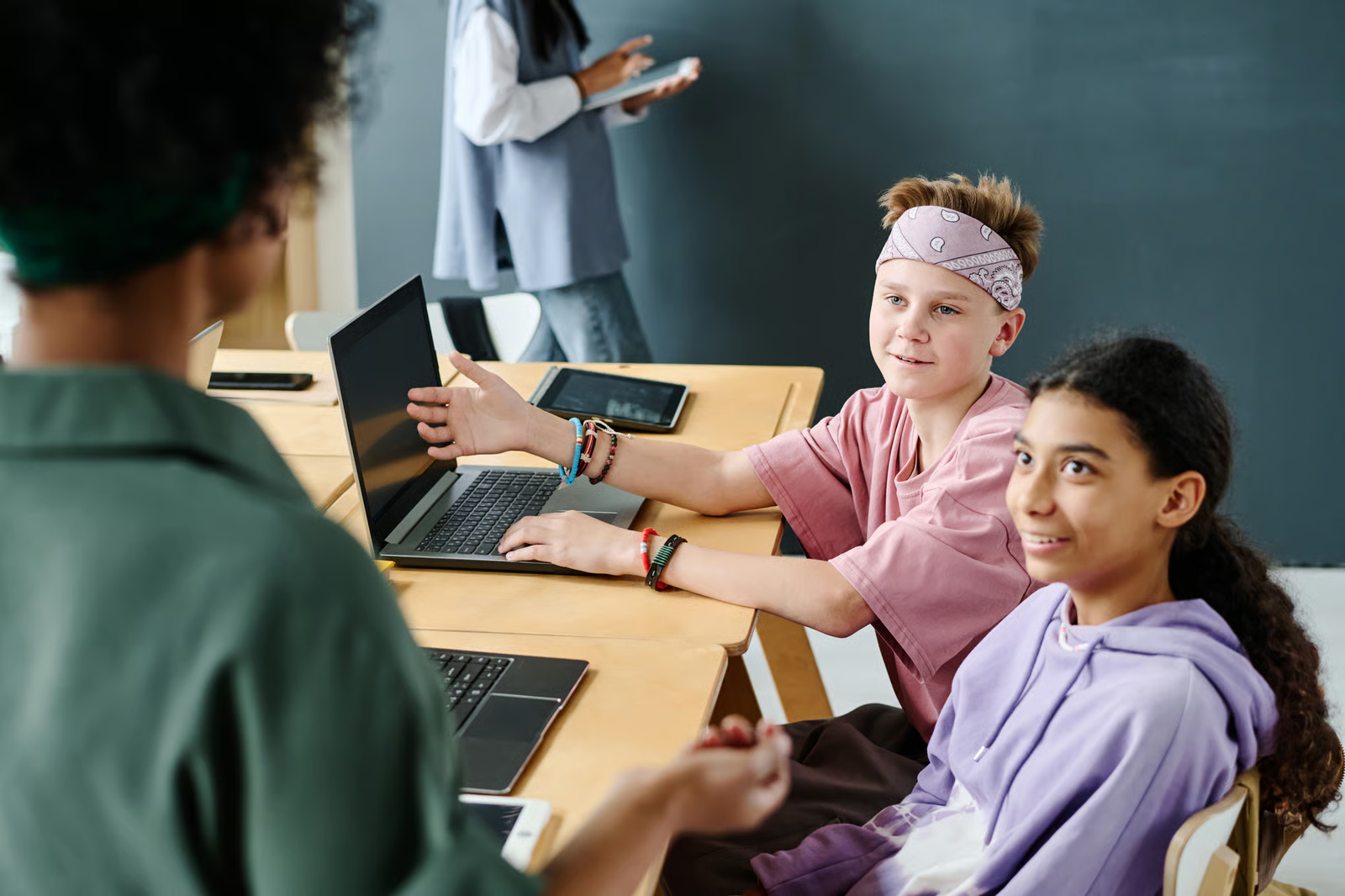
Technology evolves quickly, and students need the confidence to explore unfamiliar tools, follow instructions, and troubleshoot basic issues. This skill helps students remain flexible learners.
This digital literacy skill shows up when students:
- Explore unfamiliar interfaces independently
- Ask specific, informed questions
- Try multiple approaches before giving up
Let students learn a new platform by exploring features and ask informed questions rather than waiting for step-by-step directions.
Check out "25+ Classroom Technology Tools That Are Actually Worth Using" to get your students explore new digital tools.
9. Critical thinking in digital environments 🧩
Digital environments influence how information is presented and perceived. Students should learn to question visuals, headlines, and algorithms that shape what they see.
Digital platforms influence what students see first, trust most, and remember longest, which makes critical thinking essential when navigating digital information.
| Focus area | What to look for | Why it matters | Classroom example |
|---|---|---|---|
| Headlines vs full content | Headlines may oversimplify or frame information | Headline-only reading leads to incomplete understanding | Compare a headline with the full article |
| Visuals that influence emotion | Images can shape reactions before facts are read | Emotional cues can bias judgment | Swap images and observe message changes |
| Popularity vs accuracy | High engagement does not equal credibility | Viral content may be misleading | Compare popular vs reliable sources |
| Search and recommendations | Results are shaped by past behavior | Personalization limits perspective | Discuss how results differ by user |
| Design and surface cues | Professional design can be misleading | Visual polish masks weak sources | Evaluate claims across different sites |
By learning to recognize these patterns, students become more thoughtful readers who question digital content instead of accepting it at face value.
10. Purposeful use of digital tools 🤖

Digital literacy skills include knowing when technology adds value and when it does not. Students should be able to justify their choice of tools based on learning goals.
Students demonstrate this when they can:
- Choose the right format for the task
- Explain why a tool helps learning
- Avoid overusing technology unnecessarily
Ultimately, purposeful use of digital tools shows that students are not just using technology, but thinking critically about how and why it supports learning.
How ClassPoint Helps Develop Digital Literacy Skills
The right tools make digital literacy visible and teachable during everyday lessons.
For example, ClassPoint integrates digital literacy practice directly into PowerPoint-based lessons, allowing students to engage with content actively while developing digital literacy skills.
Below are specific ClassPoint features and how they support key digital literacy skills:
