
Almost every teacher agrees that active learning works better than lecturing. The research has been clear on that for decades. The harder question is how you actually pull it off when you’re standing in front of hundreds of students and half the room won’t raise a hand.
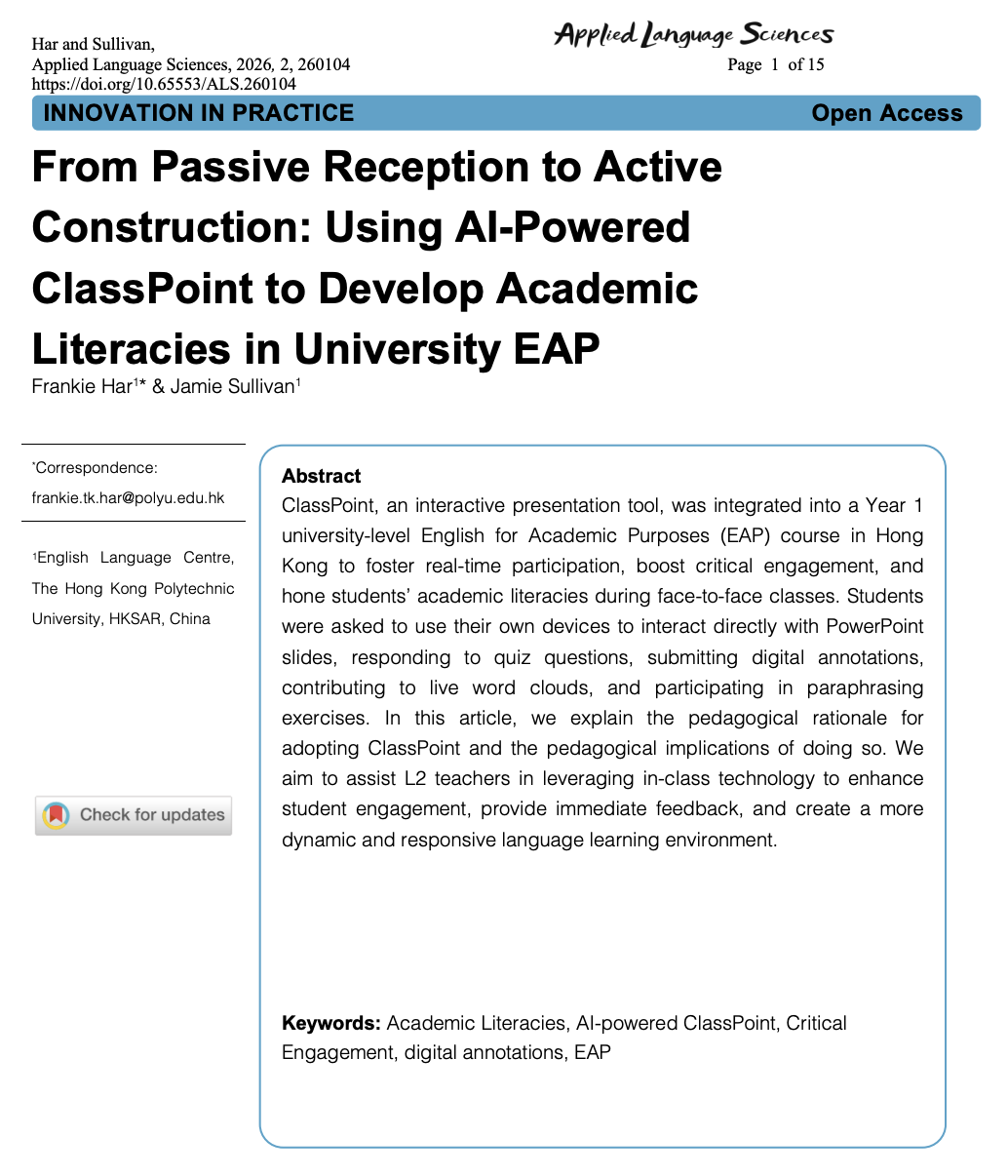
A peer-reviewed study published in 2026 described one approach. Researchers at The Hong Kong Polytechnic University built an entire lesson sequence around ClassPoint, a tool that runs inside PowerPoint, and tracked what happened when roughly 800 university students used it across a compulsory first-year course. The results were published in Applied Language Sciences, a peer-reviewed open-access journal.
This post breaks down what the study covered, what the researchers found about student participation, real-time feedback, and the teacher’s role, and what it means for your classroom.
Disclosure: ClassPoint was not involved in the design, funding, or review of this study. The research was independently conducted and published by The Hong Kong Polytechnic University.
What the Study Covered
The study focused on a single course and one core question: can real-time response tools turn a passive large-enrollment lecture into an active learning experience?
The Challenge
English for University Studies is a compulsory first-year course at Hong Kong Polytechnic that teaches students, most of them Cantonese or Mandarin speakers, to paraphrase, summarize, reference sources, and write academic essays in English.
Roughly 800 students enroll every year, with paraphrasing as the focal skill. It looks straightforward on paper, but restating an idea in your own words without copying the original structure requires genuine comprehension, not just synonym swapping.
The researchers identified several problems with how the course had been taught:
- A handful of students dominated participation. In large lectures, the same confident voices spoke up while the rest stayed silent.
- Instructors had no real-time visibility into understanding. Whether students actually grasped the material only became clear when assignments were graded days later.
- Engagement was surface-level. Students showed up and completed tasks, but much of the work was compliance rather than genuine thinking.
The researchers wanted to change that dynamic without abandoning the lecture format entirely.
How They Redesigned the Lesson
“We selected ClassPoint because it is designed to transform standard presentations into an interactive experience by seamlessly embedding quizzes, polls, and annotation activities directly into PowerPoint.” — Har & Sullivan (2026), Applied Language Sciences
Using ClassPoint, they replaced the standard lecture-then-practice model with a five-phase active learning sequence where students respond from their own devices during the lecture itself:
- Brainstorm — Students submitted key terms they associated with paraphrasing through a live Word Cloud, surfacing what the class already knew.
- Guided practice — Using Fill in the Blanks, students practiced restructuring a single academic sentence before writing anything from scratch.
- Independent practice — Students wrote full paraphrases on their own and submitted them through Short Answer.
- Feedback and discussion — The instructor displayed anonymous student submissions on screen, selected examples, and gave real-time feedback while leading a class conversation about what worked and why.
- Reflection — Students summarized their takeaways and reflected on how to apply what they learned.
Every student responded from their own device throughout all five phases. No hand-raising, no cold-calling, no switching to a separate platform.
What the Researchers Found
Not everything went as expected. Some results confirmed what the researchers hoped for. Others raised new questions.
Quieter Students Participated More

Because activities like Word Cloud and Short Answer collected every response at once and displayed them anonymously, the social risk of being wrong in front of the room dropped. The researchers reported that this “prevented a narrow group of more confident students from dominating class discussion whilst enabling quieter and passive learners to share their thoughts more freely.” Instructors could finally see what the whole room was actually thinking, not just the confident few willing to speak up.
Misconceptions Surfaced Mid-Lesson
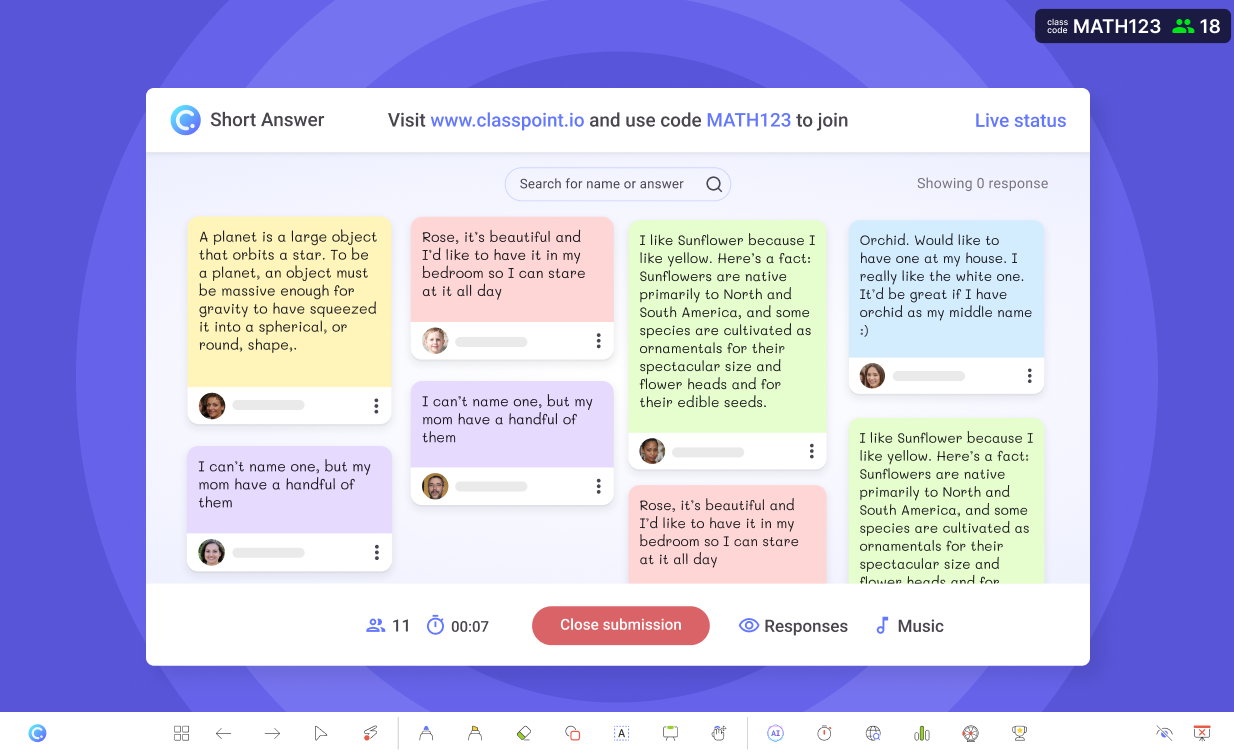
During the independent practice phase, students submitted full paraphrases in real time, giving the instructor an immediate window into student thinking. Many students were swapping a few synonyms instead of genuinely restructuring meaning. The paper notes that “some responses reflected a tendency to prioritize surface-level reformulation over substantive rethinking, particularly when evaluative criteria were not made explicit.”
Without real-time submissions, that kind of shallow work typically goes undetected until an assignment is graded days later. The live format let the instructor address it on the spot, while the thinking was still fresh.
The Teacher’s Role Shifted, Not Shrunk
The researchers were candid about workload: ClassPoint “did not reduce professional workload so much as redistributing it.” Because the tool handled response collection and display, teachers spent less time trying to get students to participate.
But the feedback and discussion phase demanded more of them: selecting student examples worth discussing, interpreting patterns across responses, and guiding learners through why certain formulations worked better than others.
Feedback became grounded in what students had actually written rather than hypothetical examples.
“AI-enhanced classroom tools amplify the importance of teacher expertise in orchestration, interpretation, and facilitation.” — Har & Sullivan (2026)
In other words, the technology didn’t make the teacher’s job easier. It made their expertise matter more.
Students Needed Explicit Onboarding
Not everything was seamless. The researchers found that some students resisted the new format for three distinct reasons:
- Visibility felt exposing. Even though responses were displayed anonymously, some students were uncomfortable knowing their work was on screen for the entire class to see. The anonymity helped, but it didn’t eliminate the anxiety entirely.
- Real-time submission felt like a test. Some students interpreted the live activities as evaluation rather than practice. They held back or submitted safe, surface-level answers because they assumed they were being graded.
- The scaffolded process raised authorship questions. Because the paraphrasing lesson was designed in guided steps (brainstorm key terms first, fill in sentence structures second, write a full paraphrase third), some students questioned whether their final output was genuinely their own. When the process gave them building blocks along the way, they weren’t sure if the result counted as independent work.
These weren’t technology failures. They were classroom culture issues the technology made visible.
The researchers found that “norms surrounding proper use, authorship, and responsibility must be negotiated explicitly through modelling and discussion.”
In practical terms, instructors had to set expectations before the activities began: explain that responses were anonymous and ungraded, walk through the first activity as a class so students understood the format, and clarify that the guided steps were designed to build understanding one layer at a time.
The final paraphrase was supposed to be easier because of the earlier steps. That was the learning working, not a shortcut around it.
The takeaway is straightforward: introducing a new tool without introducing new expectations leaves students guessing. The onboarding mattered as much as the tool itself.
Why This Matters Beyond One Course
Active learning in large classes doesn’t fail because teachers don’t believe in it. It fails because the logistics break down. Getting hundreds of students to think, respond, and receive feedback in a single session is a coordination problem, and real-time response tools solve that coordination problem.
“The impact of AI-enhanced ClassPoint lies less in the technology itself than in how it reorganises classroom interaction.” — Har & Sullivan (2026)
That distinction matters. The difference between a tool that writes for students and a tool that makes student thinking visible is the difference between replacing learning and supporting it.
The study was conducted in a university academic English course, but the researchers note that ClassPoint “could be employed in a wide variety of language learning contexts” and works in “traditional, hybrid, or flipped classroom settings.”
Related: See how another university educator uses ClassPoint as a classroom response system in higher ed: How ClassPoint Transforms Higher Ed
Three Takeaways for Any Classroom
- Anonymous responses surface honest thinking. Removing the social risk of being wrong publicly changes who participates. That applies in a middle school science class as much as a university lecture hall.
- Real-time submissions shrink the feedback loop from days to seconds. You catch the misconception while it’s still forming, not after it’s hardened into a graded assignment.
- Technology amplifies teaching. It doesn’t replace it. A tool that collects responses is only as useful as the teacher who knows what to do with them.
As the researchers put it:
“ClassPoint is a tool to amplify teaching, not replace it.” — Har & Sullivan (2026)
The full study is open access: Har & Sullivan (2026), Applied Language Sciences.
Want to try the lesson sequence from this study? Here are 4 paraphrasing activities you can run in a single class, with a free PowerPoint template.
