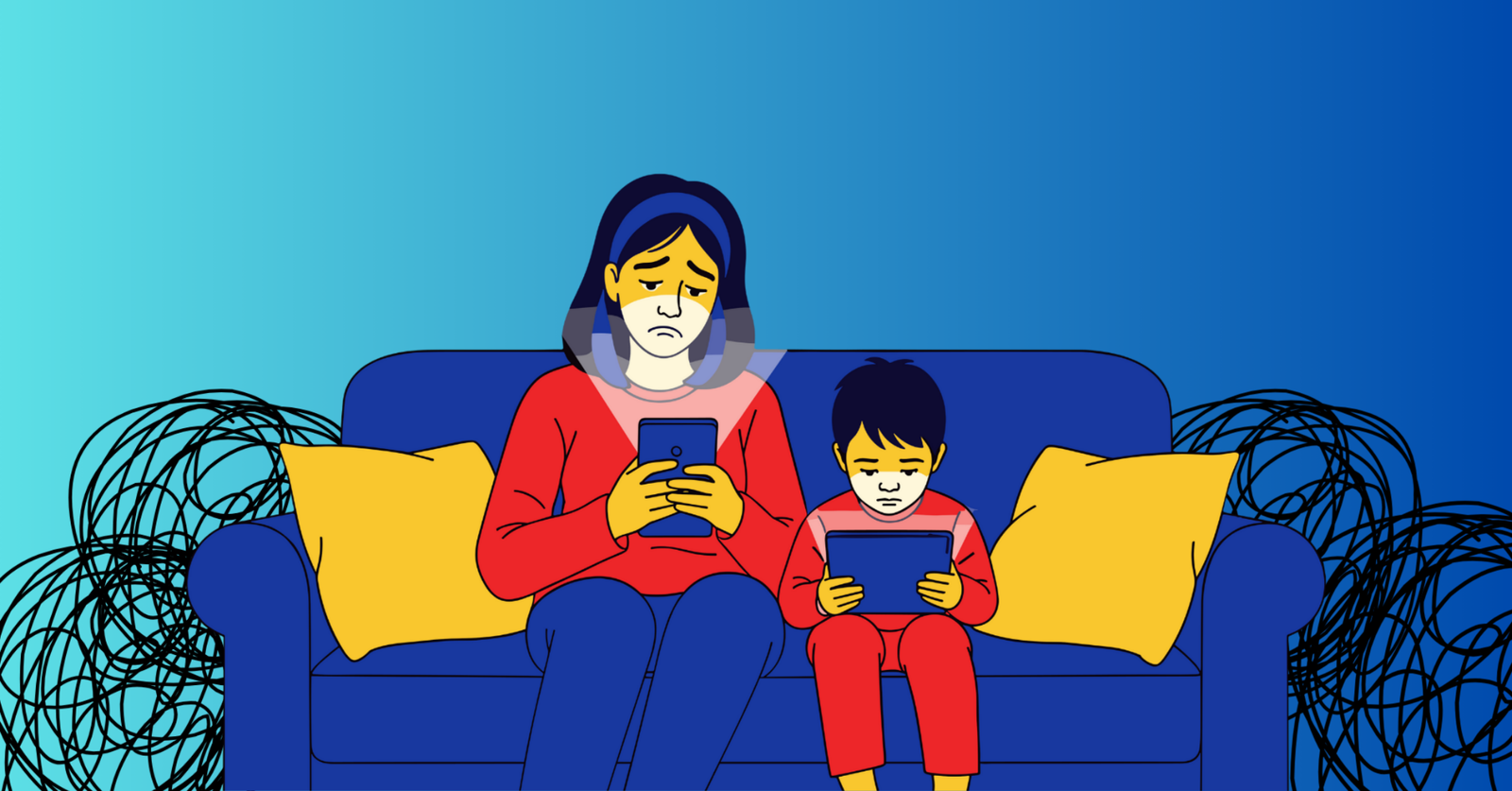
When screens are on and everyone looks busy, how can anyone tell if real learning is actually happening?
Screen time has quietly become one of the most debated parts of modern teaching. Laptops and tablets are now standard in many classrooms, assignments live online, and participation often happens through digital tools.
At the same time, teachers are navigating concerns about distraction, overuse, attention span, cognitive overload, and student well-being. Understanding that difference is the first step toward managing screen time intentionally rather than reactively.
This guide examines the role of screen time in education, including its risks, benefits, and place in the classroom, while offering practical ways teachers can manage it effectively.
Screen Time in the 21st Century
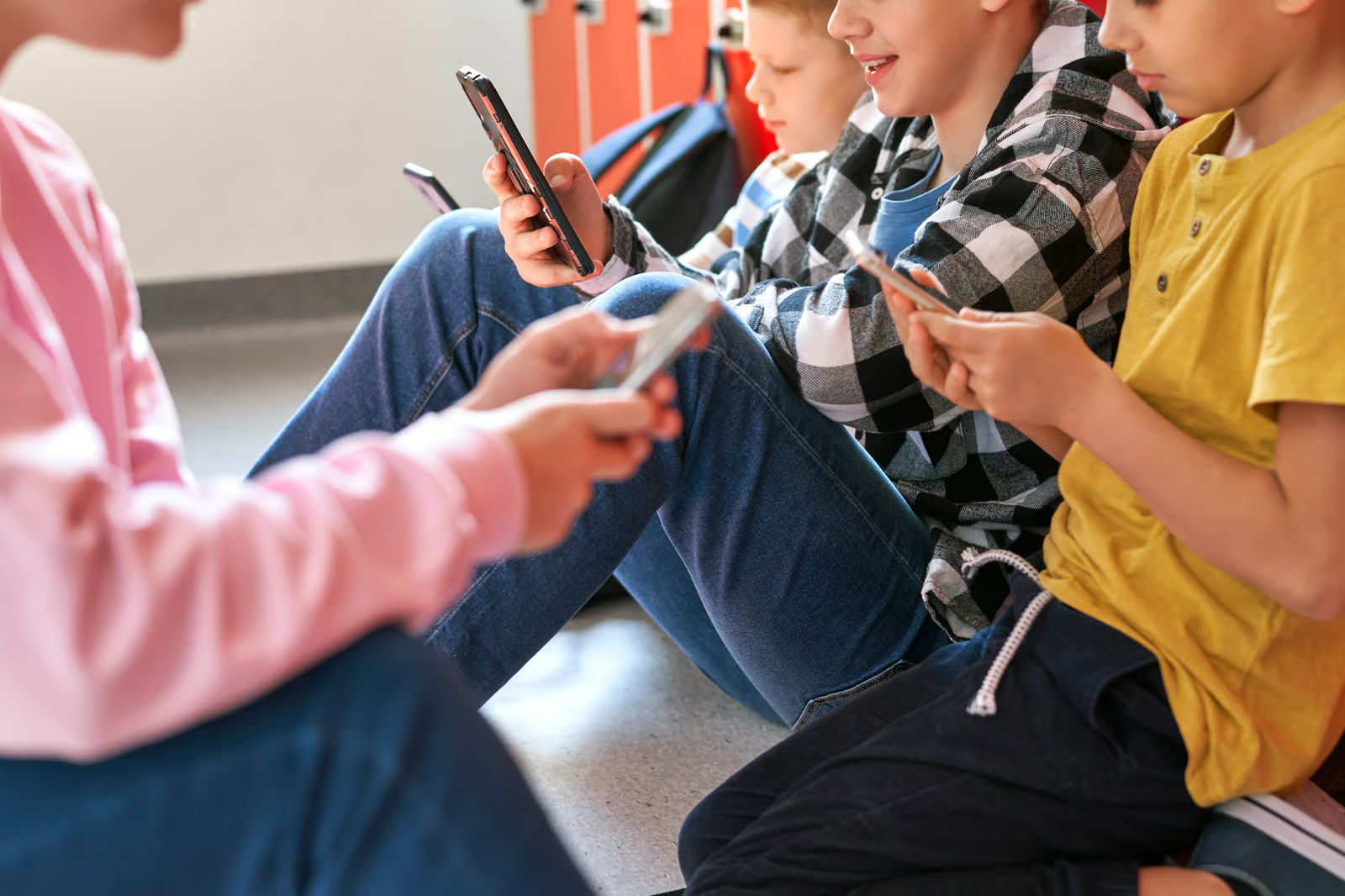
Screen time generally means the time spent interacting with screen-based devices such as phones, taScreen time generally means the time spent interacting with screen-based devices such as phones, tablets, computers, TVs, and gaming consoles.
Compared to the last century, screen use is no longer occasional or supplemental. Recent data highlights just how central screens have become in students’ daily lives. A data brief from the Centers for Disease Control and Prevention reports that 50.4% of U.S. teenagers spend four or more hours per day on screens.
In the 21st century, screens are woven into how students learn, communicate, complete assignments, and participate in class. For many students, screens are not an add-on to learning, they are part of the learning environment itself.
With screen use now firmly embedded in students’ routines, the question for educators is no longer whether screens belong in the classroom.
Instead, the more important question is when screen time supports learning, and when it starts working against it. Answering that requires a closer look at both the benefits and risks of screen time for students.
Risks and Benefits of Screen Time in Education

Screen time in the classroom is rarely all good or all bad. The same device that supports discussion, feedback, and creativity can also introduce distraction, fatigue, or shallow engagement if it is unstructured or overused.
Understanding both sides helps teachers move beyond blanket rules and toward more intentional decisions about when screens add value, and when they do not.
| Risks | Benefits |
|---|---|
| Encourages distraction when tasks are open-ended or poorly defined | Supports active learning when students are asked to respond, create, or explain |
| Makes sustained focus harder when students multitask or switch tabs | Enables quick checks for understanding and real-time feedback |
| Can contribute to screen fatigue when use is continuous or passive | Improves access to materials, including digital texts and flexible formats |
| Reduces meaningful interaction if screens replace discussion entirely | Allows quieter students to participate through written or visual responses |
| Blurs boundaries between learning and entertainment | Helps personalize learning through pacing, differentiation, and varied response types |
Seen this way, screen time itself is not the deciding factor. What matters is how long, how often, and how purposefully screens are used during instruction.
When screen use is passive, unstructured, or left open-ended, the risks tend to surface quickly. When it is short, focused, and tied directly to learning goals, the benefits are far more likely to outweigh the downsides.
Does screen time have a place in the classroom?
After weighing all the risks and benefits of screen time above, the answer to this question is: yes, if it’s the right kind of screen time.
A practical classroom stance that aligns with current guidance is to:
- Avoid “screens as babysitters”. Screen time becomes unproductive when devices are used to fill time without clear goals or accountability.
- Use “screens as learning instruments”. Short, structured, and purpose-driven tasks (such as responding, submitting, or explaining) help screens support learning rather than distract from it.
Ultimately, effective classroom screen time is not about increasing or eliminating device use. It is about designing learning moments where screens serve a clear purpose, remain under teacher direction, and support active thinking.
Tips Teachers Can Use to Manage Screen Time (Without Making It a Daily Battle)
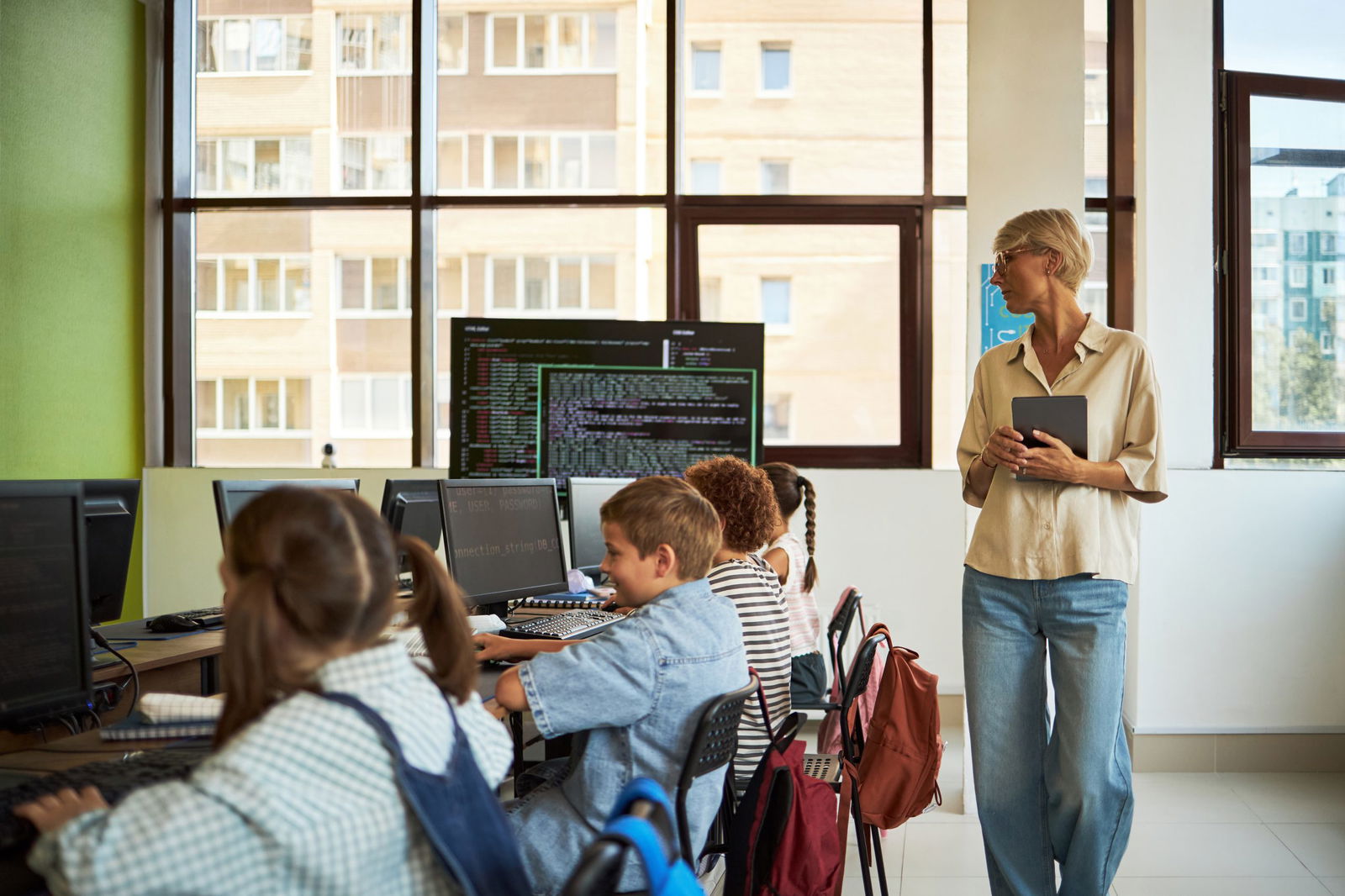
With the foundation in place, the next step is practical: how teachers can manage screen time day to day in ways that keep students focused, accountable, and engage without constant monitoring or conflict:
1️⃣ Teach when screens are worth using
Screen time works best when students understand why a device is being used, not just that it is allowed. Framing expectations around purpose helps shift responsibility from constant teacher policing to student decision-making.
A simple classroom rule helps anchor this mindset: if a screen helps students think, practice, create, or show understanding, it stays. If it pulls attention away from the task, it pauses.
Over time, this builds clearer judgment around appropriate screen use.
2️⃣ Keep screen tasks short and checkpointed
Instead of a 25-minute “work silently on devices” block:
- 3–5 minutes: task
- 1 minute: share or submit
- 2 minutes: teacher response / mini-correction
Repeat.
3️⃣ Default to “active” screen use
The most productive screen time asks students to do something rather than watch or scroll. When students must respond, explain, draw, or justify their thinking, attention naturally stays anchored to the task.
Active screen use also gives teachers clearer insight into understanding, making it easier to intervene early rather than after misconceptions settle in.
4️⃣ Build in device-free minutes on purpose
Even in technology-rich classrooms, learning does not need to happen entirely on screens. Short, planned breaks away from devices help reset focus and reduce fatigue like:
- quick paper brainstorms
- turn-and-talk
- mini-whiteboard moments
- eye breaks between device segments
5️⃣ Set clear “screen-up / screen-down” norms
Clear cues reduce confusion and save time. When students know exactly when screens should be open and when they should be closed, transitions become smoother and redirection decreases.
Set screens down during directions/discussion and screens up during response windows only.
This clarity helps establish a shared classroom routine where screens support instruction rather than compete with it.
6️⃣ Make accountability visible
Finally, off-task behavior drops significantly when students know their thinking matters. When responses may be reviewed, discussed, or highlighted, students are more likely to stay engaged during screen-based tasks.
Accountability does not always require public sharing. Even the possibility that work will be revisited or built upon reinforces that screen time is part of learning, not separate from it.
How ClassPoint Helps Manage Screen Time
ClassPoint doesn’t try to eliminate screen time, but it helps teachers shape it into short, accountable learning moments that are harder to misuse.
It keeps digital interaction short, teacher-led, and tied to the slide you’re already teaching from, so students spend less time wandering across tabs, apps, and platforms.
Here are concrete ClassPoint use-cases that map directly to screen time management:
- Replace long device work with quick, structured checks such as Interactive Quiz Questions for understanding. Instead of sending students into a separate quiz site for 15 minutes, run in-slide quizzes as short bursts. Students respond, you review, and you move on.
- Use the Timer to cap device time (and normalize stopping). The timer turns “wrap it up” into a visible routine. Students get a clear end-point, which reduces the slow drift into off-task screen behavior.
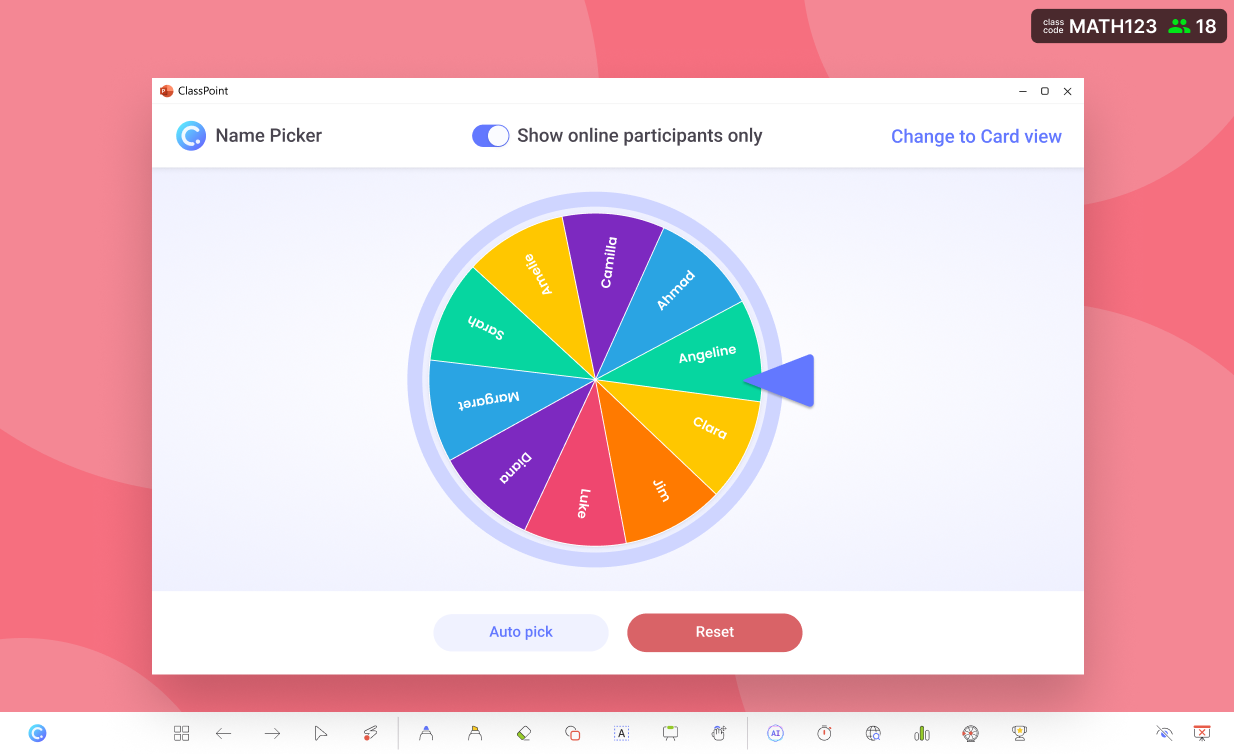
- Use Random Name Picker to keep participation high without extra screen tasks. When students know they might be called to explain (after submitting), they’re more likely to stay engaged during the response window, without needing extended screen activities.
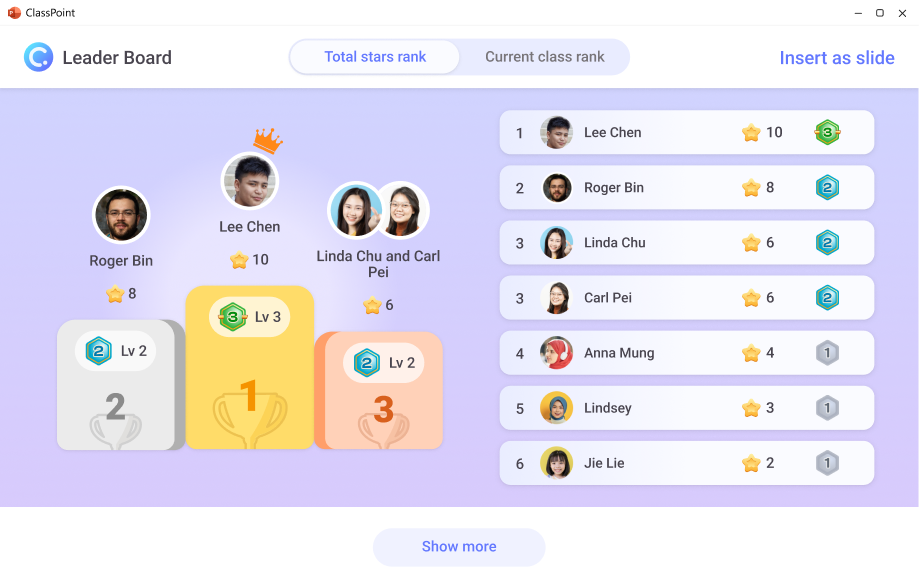
- Gamification to keep screen time brief but motivating. ClassPoint’s points/stars/leaderboard-style mechanics help you run shorter interactions while still getting high participation so you don’t need “more screen time” to get engagement.