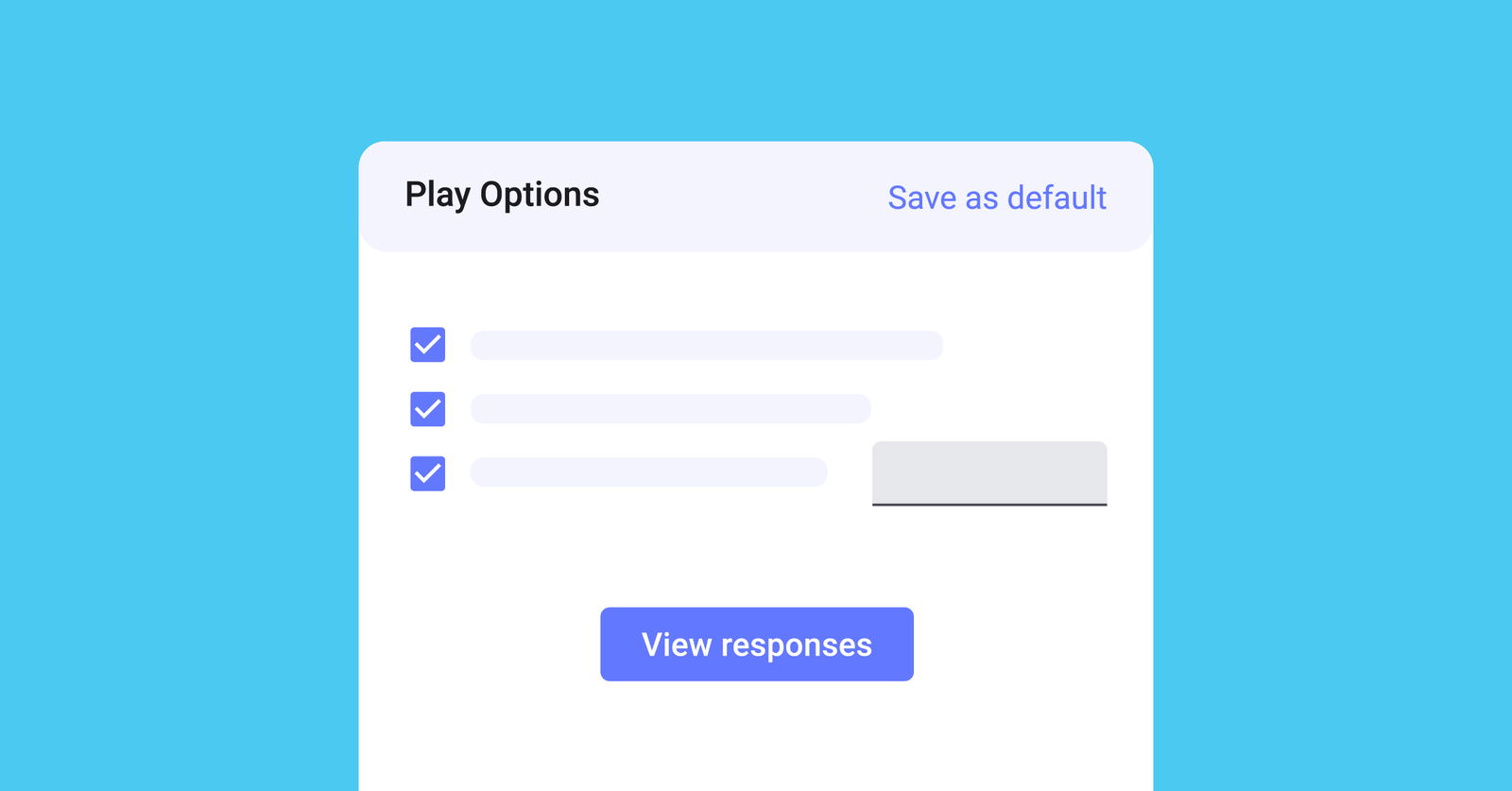
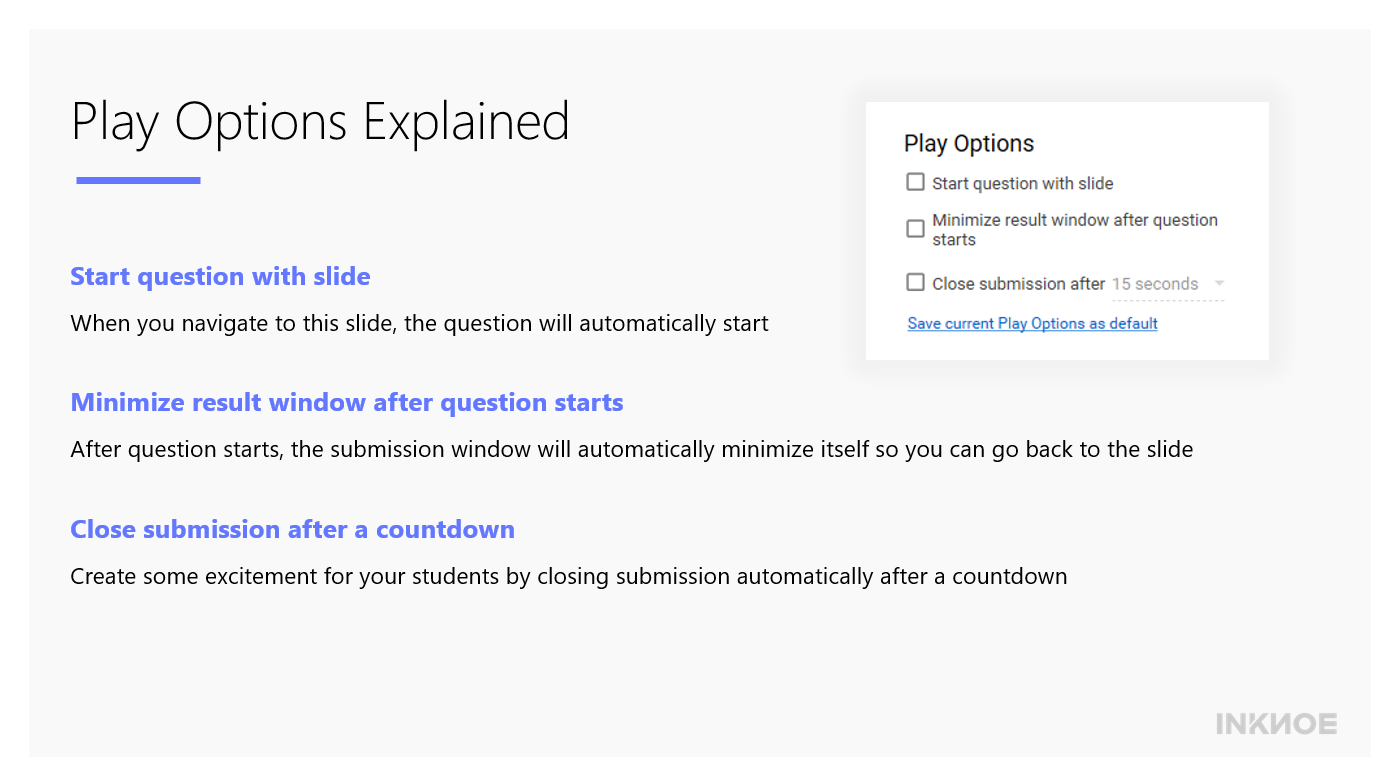
使用幻燈片開始提問
如果選取此框,則當您在演示文稿中導航到此投影片時,您的問題將自動開始。
這可以節省您的時間和精力,而不必按下按鈕即可開始問題。 當問題開始之前沒有什麼可解釋的並且您希望學生立即回答問題時,請使用此選項。
問題開始后最小化結果視窗
問題開始后,結果視窗將自動最小化,以便您可以看到整個問題幻燈片。
如果您不想立即看到學生提交的內容,也可以使用它。 這樣,學生就不會被同學提交的內容分心。
倒計時后關閉提交
此選項是提問的計時器。 要只給學生有限的時間來提交他們的回復,您可以選擇此選項以及要給學生的時間限制。
當學生可以看到提交答案的剩餘時間倒計時時,這可以用來在您的課堂上創造一些興奮。
獎金提示!
當我們一個接一個地進行問題測驗比賽時,我們通常會按兩下所有三個選項,時間限制為30秒。 這樣,測驗是快節奏的,併為遊戲增加了一些有趣的壓力。 在您的下一次問答比賽中嘗試一下!
有關更多 ClassPoint 教程,請查看我們的 參考資料 頁面。

About Sara Wanasek
Sara Wanasek is Country Manager and EdTech Specialist at Inknoe, where she works closely with educators and school leaders to support effective technology integration in classrooms. Through her role, she collaborates with schools across multiple regions, gaining direct insight into real-world teaching and adoption challenges. She also contributes to the company's YouTube channel, a leading edtech resource with over 100,000 subscribers and millions of views. Her work focuses on practical implementation strategies that help teachers use digital and AI-powered tools with clarity and purpose.
View all posts by Sara Wanasek →