Kahoot and Blooket are good at one job: taking the class out of the lesson and into a game. That is useful on review day. It is the wrong tool if you already have a PowerPoint open and you just want students to answer a question without switching apps.
That is the real ClassPoint vs Kahoot vs Blooket decision. Not “which platform is more fun,” but do you want a separate game, or questions inside the lesson you are already teaching?
Here is the short version:
| If you need… | Use |
|---|---|
| Quizzes, polls, drawing, and short answers on the slide you are already showing | ClassPoint |
| A live quiz-show the whole class plays together | Kahoot! |
| A review party with lots of mini-game modes | Blooket |
Blooket will always “win” game skins. Kahoot will always “win” the classic PIN-and-podium moment. Those are not ClassPoint’s job. ClassPoint’s job is to keep the lesson moving and still get every student to respond.
What each tool actually is
ClassPoint
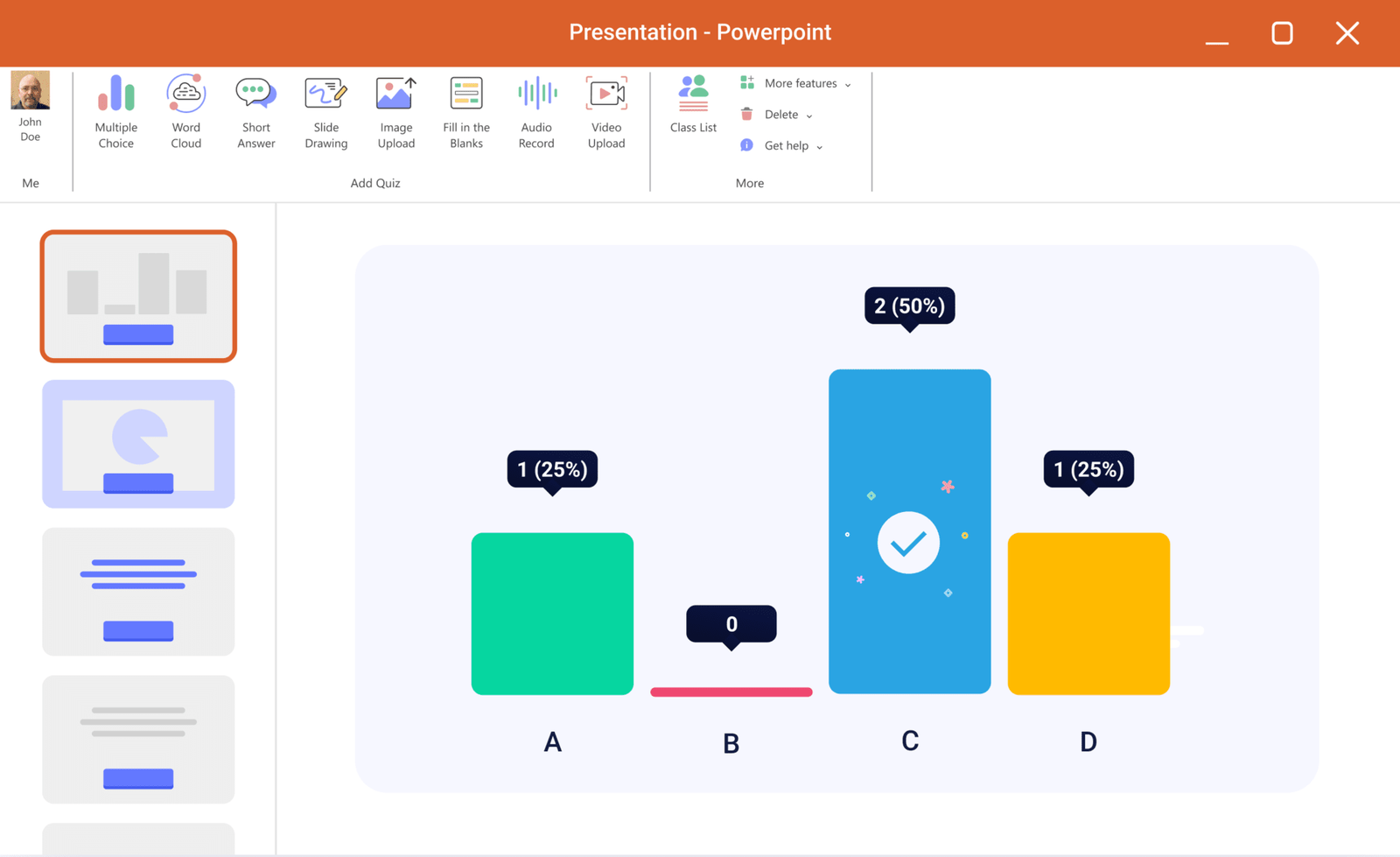
ClassPoint is a Microsoft PowerPoint add-in. It lives in the ribbon, so you teach from the slides you already built and drop in a question without leaving slideshow mode.
Students join from any device at classpoint.app. You keep presenting. They answer on the same slide: multiple choice, short answer, fill-in-the-blank, poll, slide drawing, image or audio upload. You can show a live leaderboard and award stars if you want competition, but the lesson never becomes a different app.
Kahoot!
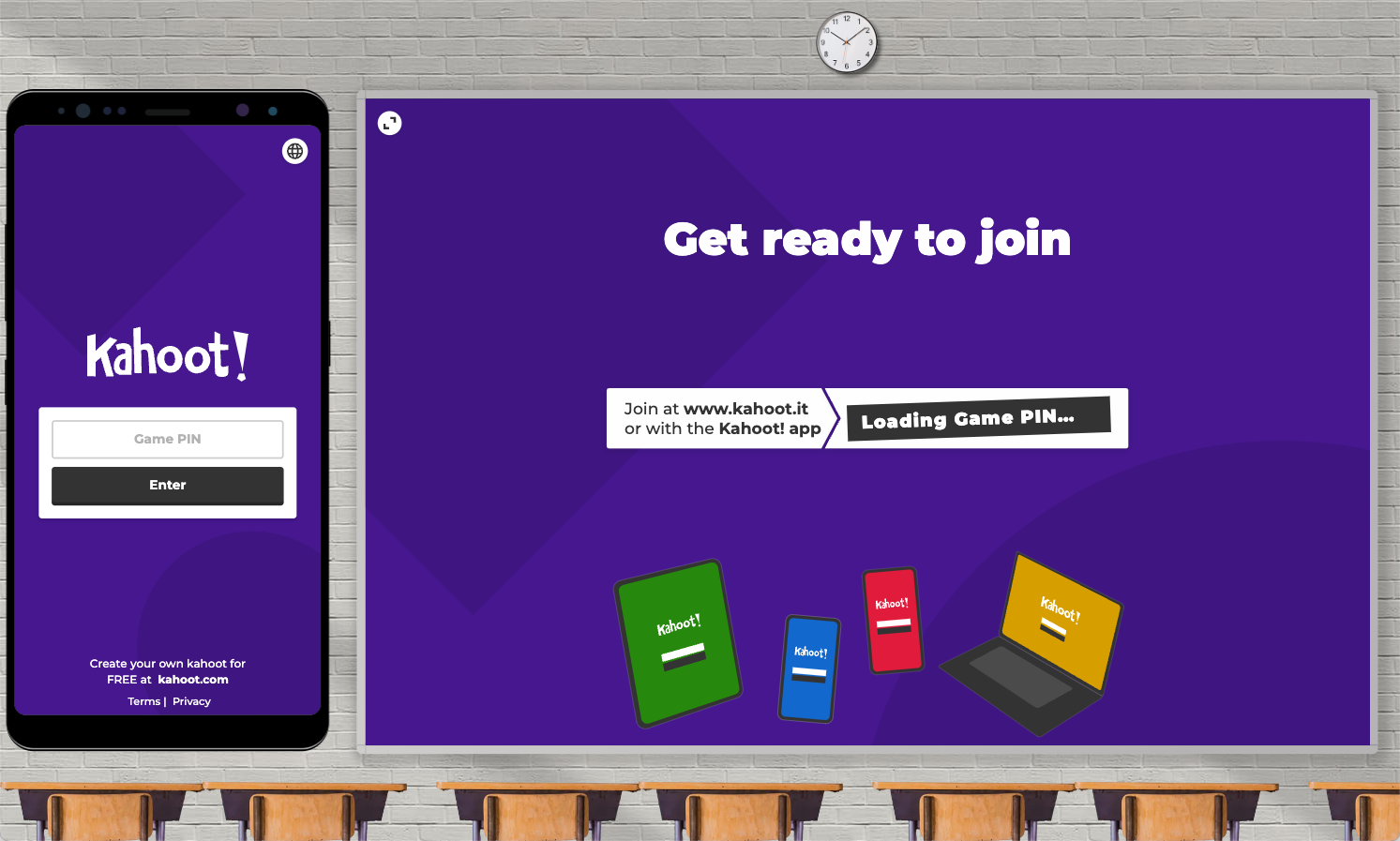
Kahoot is the classroom quiz-show: PIN join, countdown, music, podium. Teachers project a question; students race to answer on their phones. It is fast, familiar, and built as its own session. To run it, you leave your slides.
Blooket
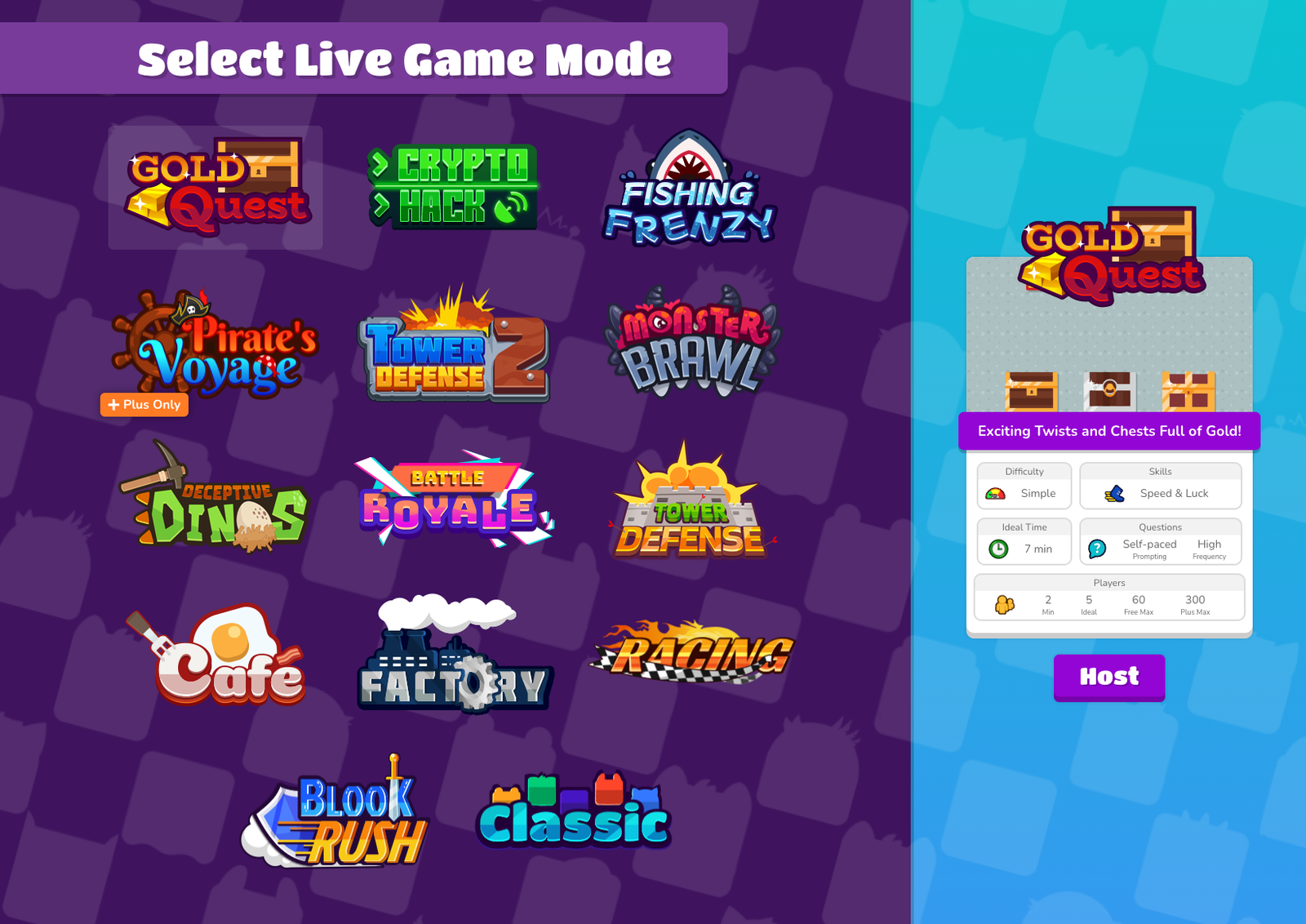
Blooket wraps multiple-choice review in 15+ mini-games: tower defense, factory, café, battle royale, and the rest. Students join with a code and often play at their own pace. It is excellent when the period is the game. It is not a lesson tool. You build a question set, pick a mode, and run a separate activity.
The test that actually matters: does the lesson stop?
This is where most “Blooket vs Kahoot vs ClassPoint” writeups go wrong. They score game platforms on who has more themes, then treat ClassPoint as a weaker game. ClassPoint is not trying to be a weaker Blooket.
- Kahoot and Blooket pause the lesson. You finish a chunk of teaching, switch tabs, launch a game, explain the mode, play, then try to get the class back to content.
- ClassPoint does not pause the lesson. The question is on the slide. Students answer, you show results, you keep talking. That is why teachers who already live in PowerPoint pick it: the quiz is part of the presentation, not a second event.
If your goal is a high-energy Friday review, launch Blooket. If your goal is “I am on slide 14 and I want to know who is lost,” stay in ClassPoint.
Question types: what you can actually ask
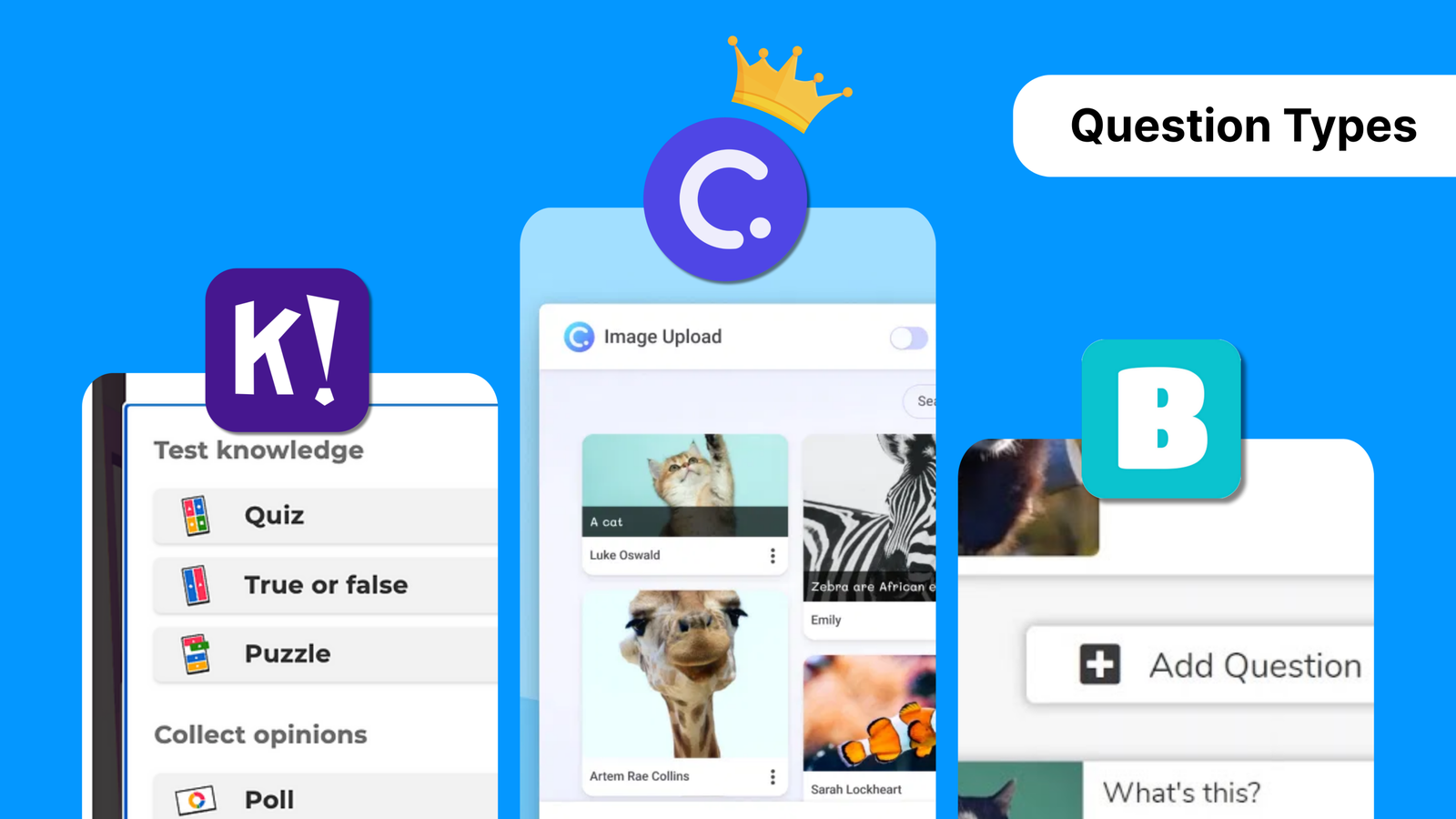
Blooket is multiple-choice and true/false. The product is the game on top, not the question format.
Kahoot adds more in paid tiers: puzzles, polls, open-ended. Still, everything is framed as a quiz-show item on Kahoot’s stage, not on your diagram, map, or worked example.
ClassPoint’s formats sit on your slides:
- Multiple choice, poll, short answer, fill-in-the-blank
- Slide drawing and annotation on the visual you are teaching from
- Image and short video upload
- Audio recording for oral or language practice
You can build questions ahead of time, use quiz slide templates, or generate them during the lesson with the AI quiz generator. The content stays in context. That is the flexibility Kahoot and Blooket cannot copy unless they become PowerPoint.
Engagement is not one score
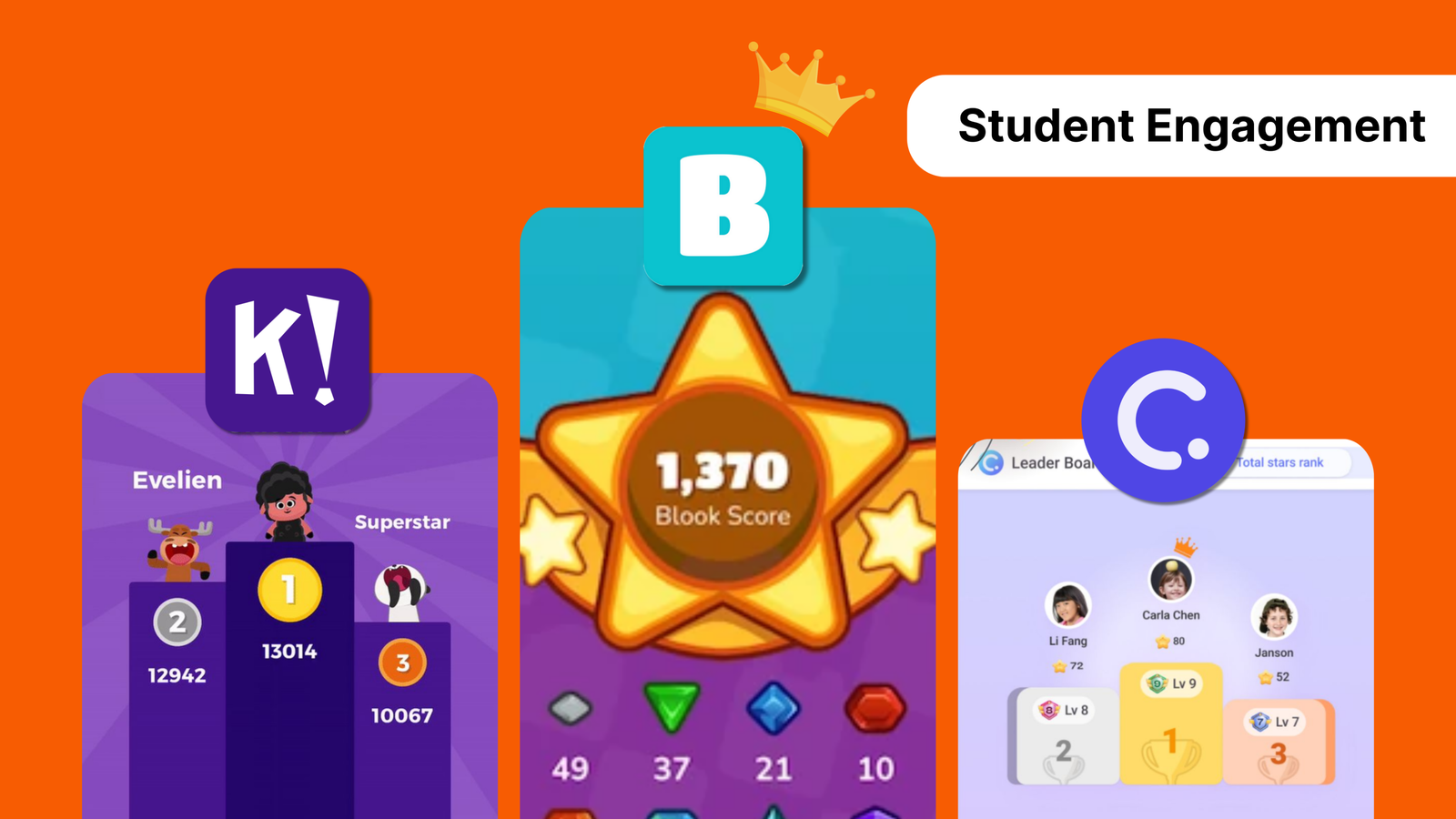
Blooket is more “fun” in the video-game sense: Blooks, power-ups, coins, replay. Younger students will cheer. That is real, and it is why Blooket exists.
Kahoot is more “fun” in the game-show sense: music, timer, whole-class groans at the leaderboard. Also real.
Neither of those is the same as engagement during instruction. The quieter version is: every student has to think, because a question can appear on the next slide. Stars, levels, and badges in ClassPoint reward that over the term, not just for winning a 15-minute mode.
If you score “who feels most like a game,” Blooket wins and ClassPoint should lose. If you score “who keeps students in the lesson,” the ranking flips. Use the score that matches the period you are planning.
Gameplay: more modes is not always better
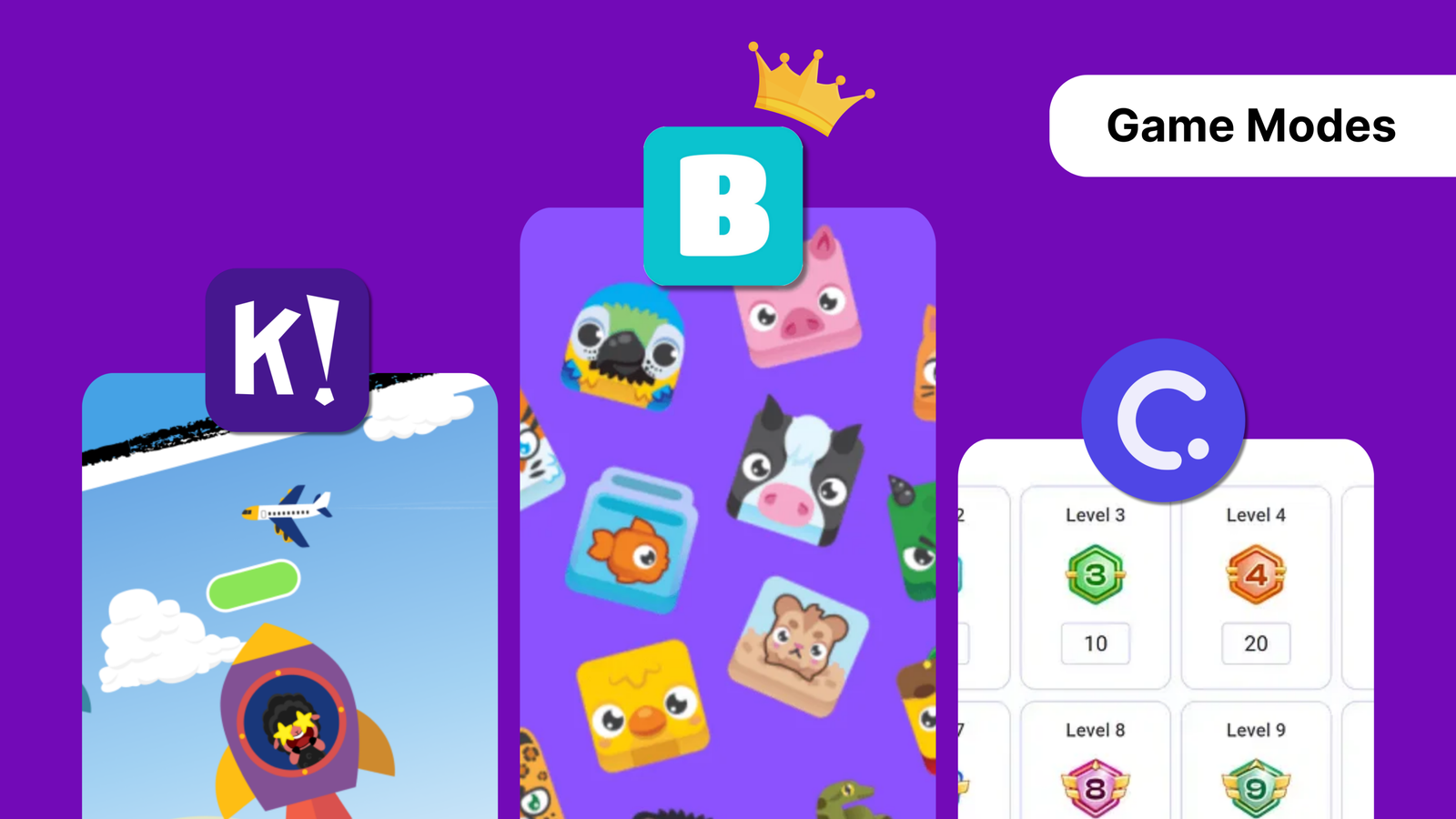
- Blooket has the most modes. Useful when variety is the point. The first time, you will spend minutes explaining the rules of the café or the tower.
- Kahoot has one main format with a few variants (teams, puzzles). Easy to repeat. Can get stale if it is your only move.
- ClassPoint has no cartoon world on top. The “game” is answering on the slide, optionally against the leaderboard. That is a feature if you are teaching content. It is a gap if students expected a battle royale.
Do not pick ClassPoint to beat Blooket at Blooket. Pick it so you do not have to leave PowerPoint to check understanding.
Setup and classroom tech
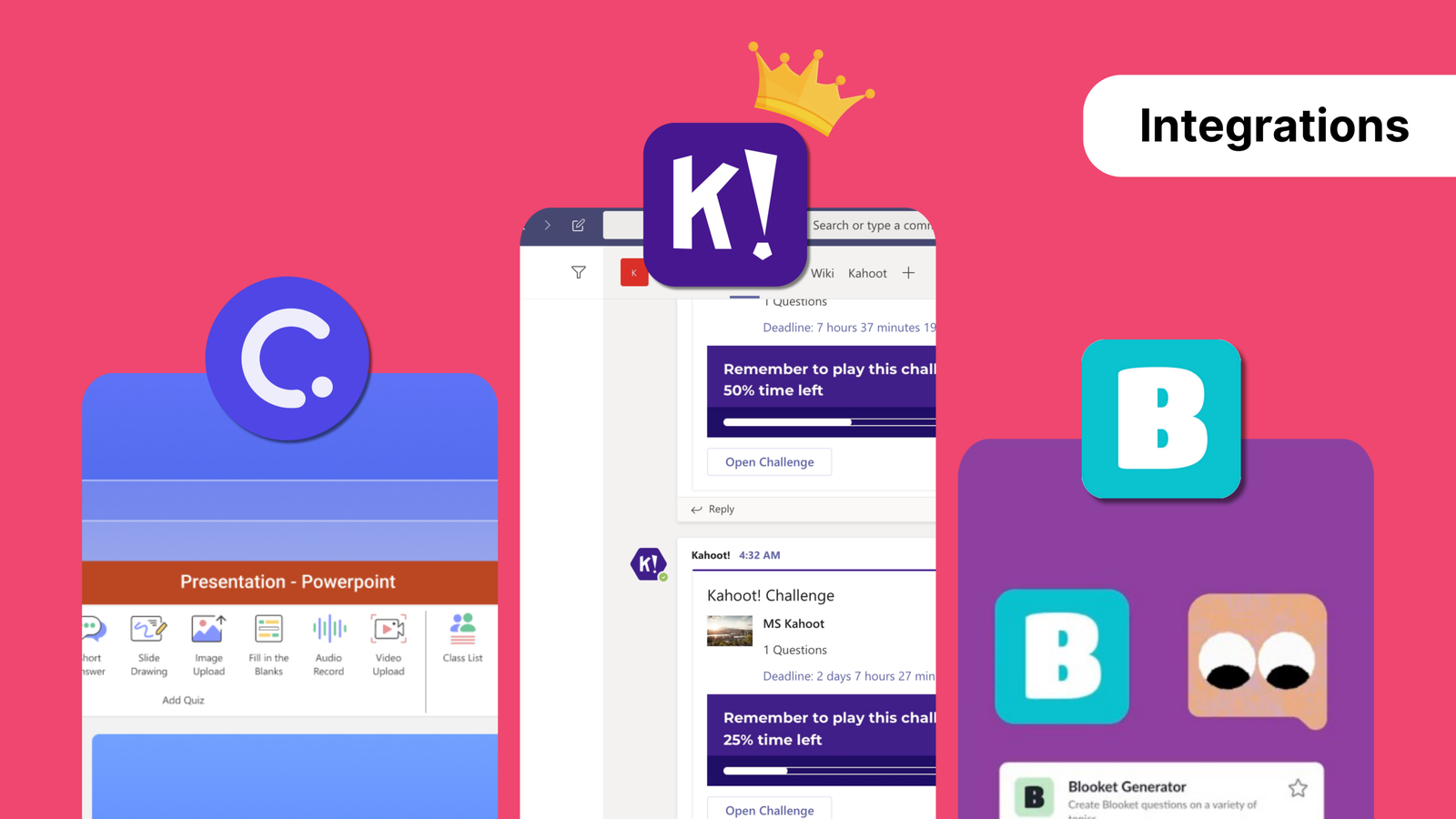
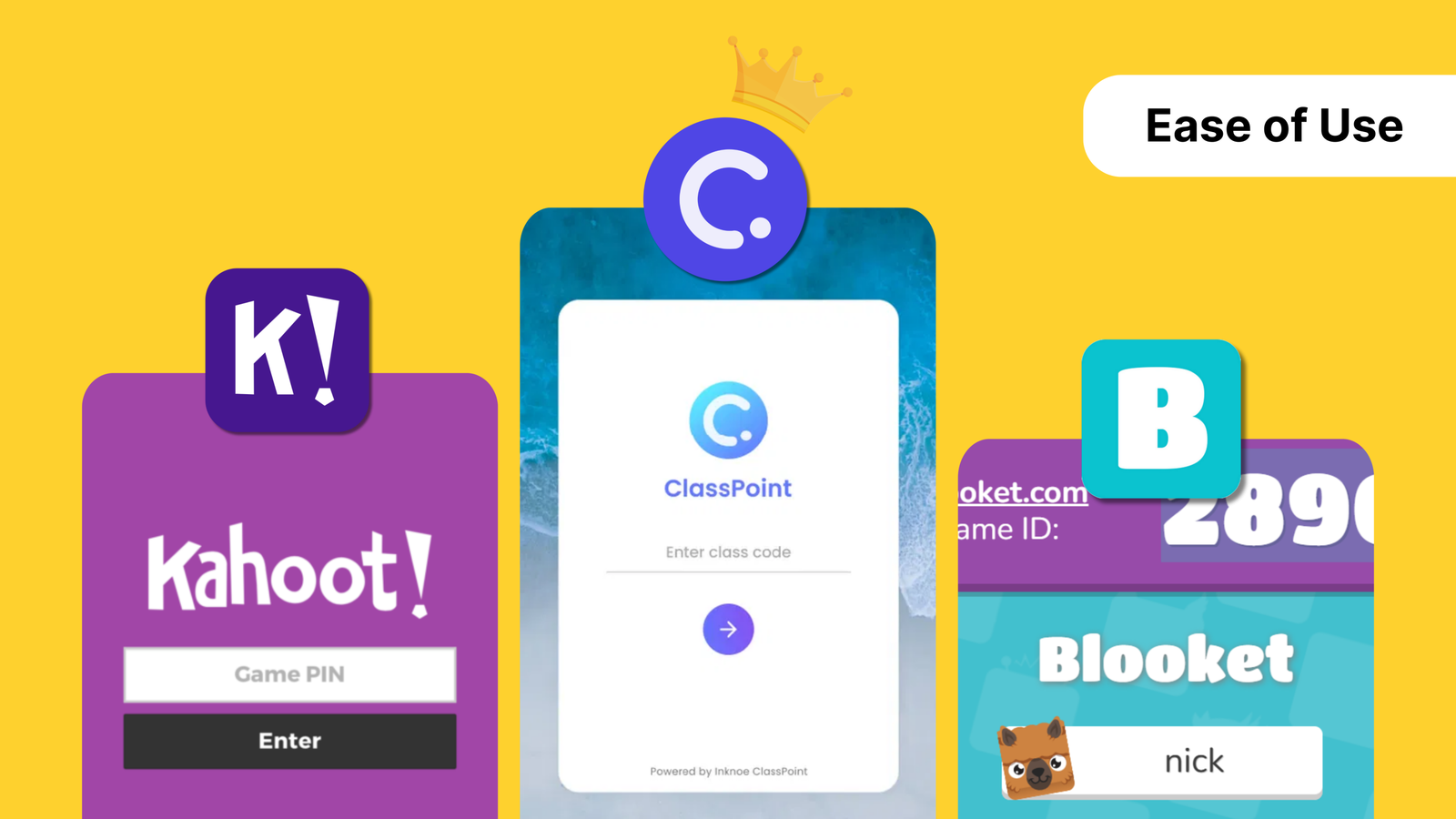
ClassPoint is the least disruption if PowerPoint is already the lesson. Install the add-in, open the file you have, click a question type. Students enter a class code. It works in person and over Zoom or Teams. It does not roster into an LMS the way Kahoot can.
Kahoot is the broadest standalone platform: browser, mobile apps, Google Classroom, Teams, Apple Schoolwork, some LMS embeds. Best if you need that rostering and you are fine running a separate game.
Blooket is the most self-contained: browser, game code, no official LMS hook. Fine for a one-off review. Another tab, another login, another explanation.
| ClassPoint | Kahoot! | Blooket | |
|---|---|---|---|
| Runs inside PowerPoint | Yes | No | No |
| Student join | Class code in browser or app | PIN | Game code |
| Question types | MC, poll, short answer, FIB, drawing, media, audio | MC, T/F, plus paid extras | MC, T/F |
| LMS / rostering | No direct LMS | Widest | None |
| Best moment | Mid-lesson check | Whole-class quiz show | Game-based review |
Which one should you use?
Use ClassPoint when you teach from slides and want interaction without a second platform. That is most ordinary class periods.
Use Kahoot when you want a short, high-energy quiz-show and you are willing to leave the deck.
Use Blooket when the point of the hour is a game, especially with younger students who want modes and avatars.
Plenty of teachers keep all three. Blooket or Kahoot for the Friday review. ClassPoint for Monday through Thursday, on the slides they already have. You do not need a single winner. You need the tool that matches the next 20 minutes.
If those 20 minutes are a PowerPoint lesson, start in ClassPoint.
