Assessments play critical role in understanding how students learn, grow, and develop.
In early childhood education, preschool assessment is not about testing or grades. It is about observing learning in action and using those insights to support each child more effectively.
When done well, assessments help teachers make informed instructional decisions, identify developmental needs early, and create learning experiences that align with how preschoolers naturally learn.
This blog explores what preschool assessments look like in practice, the common forms teachers use, and how technology can support more meaningful and efficient assessments in today’s classrooms.
What is a Preschool Assessment?

A Preschool Assessment refers to the process of observing, documenting, and interpreting children’s learning and development during the preschool years.
Unlike formal assessments in higher grades, preschool assessment focuses on everyday learning moments such as play, interaction, movement, and exploration.
The purpose of this assessment is to understand progress over time rather than measure performance at a single moment. It supports developmentally appropriate teaching and helps educators tailor instruction to individual needs.
In practice, assessment commonly focuses on several key areas of development:
- Cognitive development, including early problem solving, memory, attention, and understanding of basic concepts such as numbers, shapes, and patterns
- Language and communication skills, such as listening, speaking, vocabulary growth, and early literacy behaviors
- Social and emotional development, including cooperation, self-regulation, confidence, and interactions with peers and adults
- Physical development, covering both fine motor skills like drawing and grasping and gross motor skills such as balance and coordination
- Approaches to learning, such as curiosity, persistence, engagement, and willingness to try new tasks
To get you started, we prepared a free downloadable PowerPoint template to help you conduct your own preschool assessment with your students. Read below to find out more.
Preschool Assessment Free PowerPoint Downloadable Template
Save these easy template to get your preschool assessment started.
Types of Preschool Assessment
Preschool assessment is most effective when multiple approaches are used together. Young children express understanding in different ways, and no single method can capture the full picture of their development.
Using a variety of assessment types allows teachers to observe learning more accurately and authentically:
Observational Assessment

Observational assessment focuses on watching children during natural classroom activities such as free play, group work, routines, and outdoor time. Teachers observe how children communicate, collaborate, solve problems, and manage emotions.
Common preschool assessment forms used for observational assessment include:
| Preschool Assessment Form | What It Captures |
|---|---|
| Anecdotal records | Short written notes that document specific behaviors, interactions, or learning moments observed during daily activities |
| Running records | Detailed descriptions that capture a sequence of actions during play or learning tasks to show how a child approaches an activity |
| Time sampling forms | Observations recorded at set intervals to track how often certain behaviors or skills occur over a period of time |
| Event sampling forms | Records of specific behaviors noted only when they occur, often used to understand patterns or triggers |
This type of preschool assessment reflects authentic learning because children are not being asked to perform on demand.
Formative Assessment
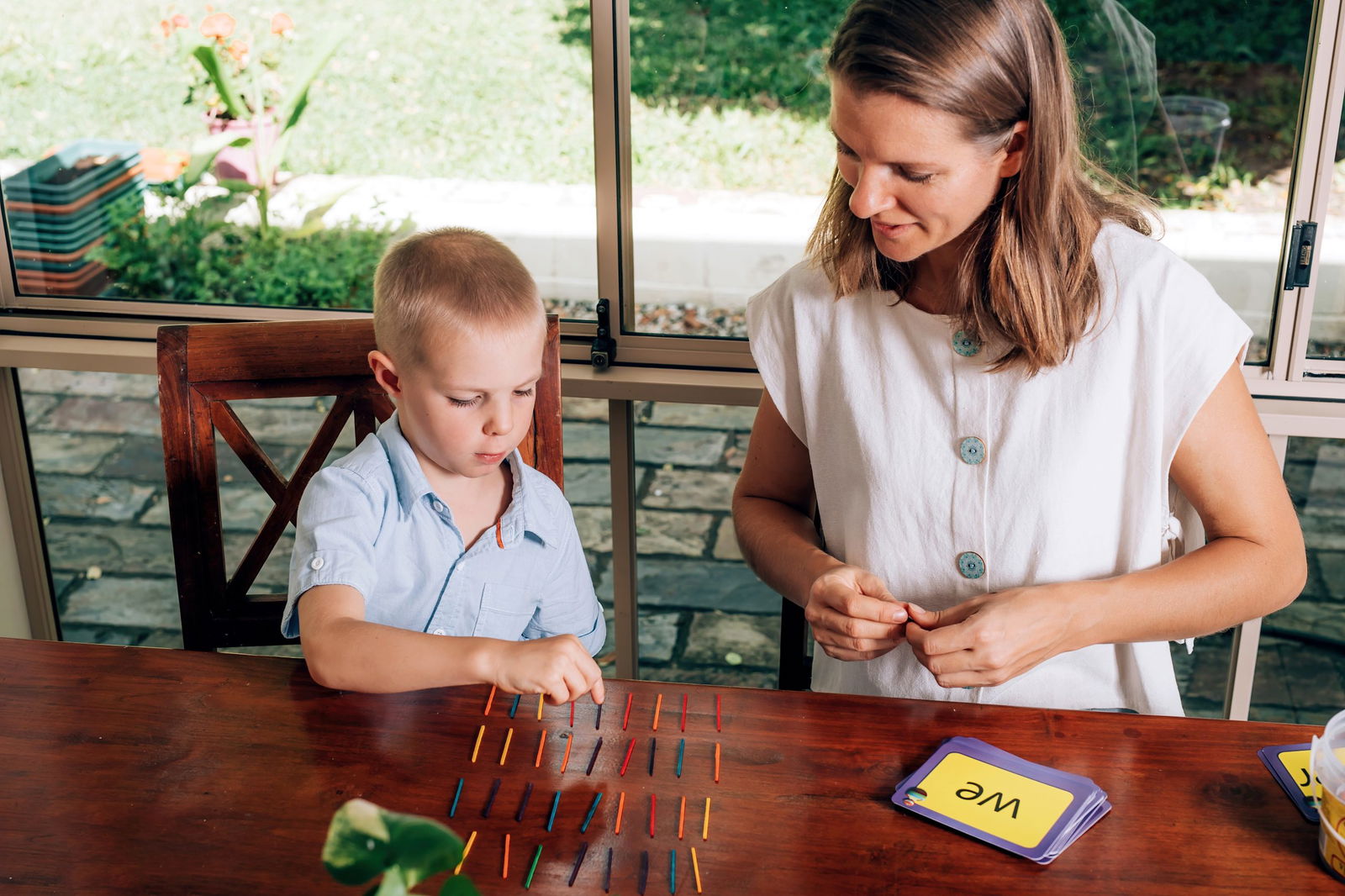
Formative assessment occurs continuously throughout instruction. Teachers check understanding during activities rather than waiting until learning ends.
Common assessment forms used for formative assessment include:
💬 Teacher-created prompts during group discussions
🖼️ Picture-based choice questions
🔢 Hands-on task checks such as matching, sorting, or counting
👋 Simple response activities such as drawing or showing answers with actions
Formative assessment helps teachers adjust instruction immediately and provide support when it is most effective.
Still has no clue on how to put this assessment into practive? Read 30 Common Formative Assessment Questions Inspired by Bloom’s Taxonomy to know more.
Developmental Checklists
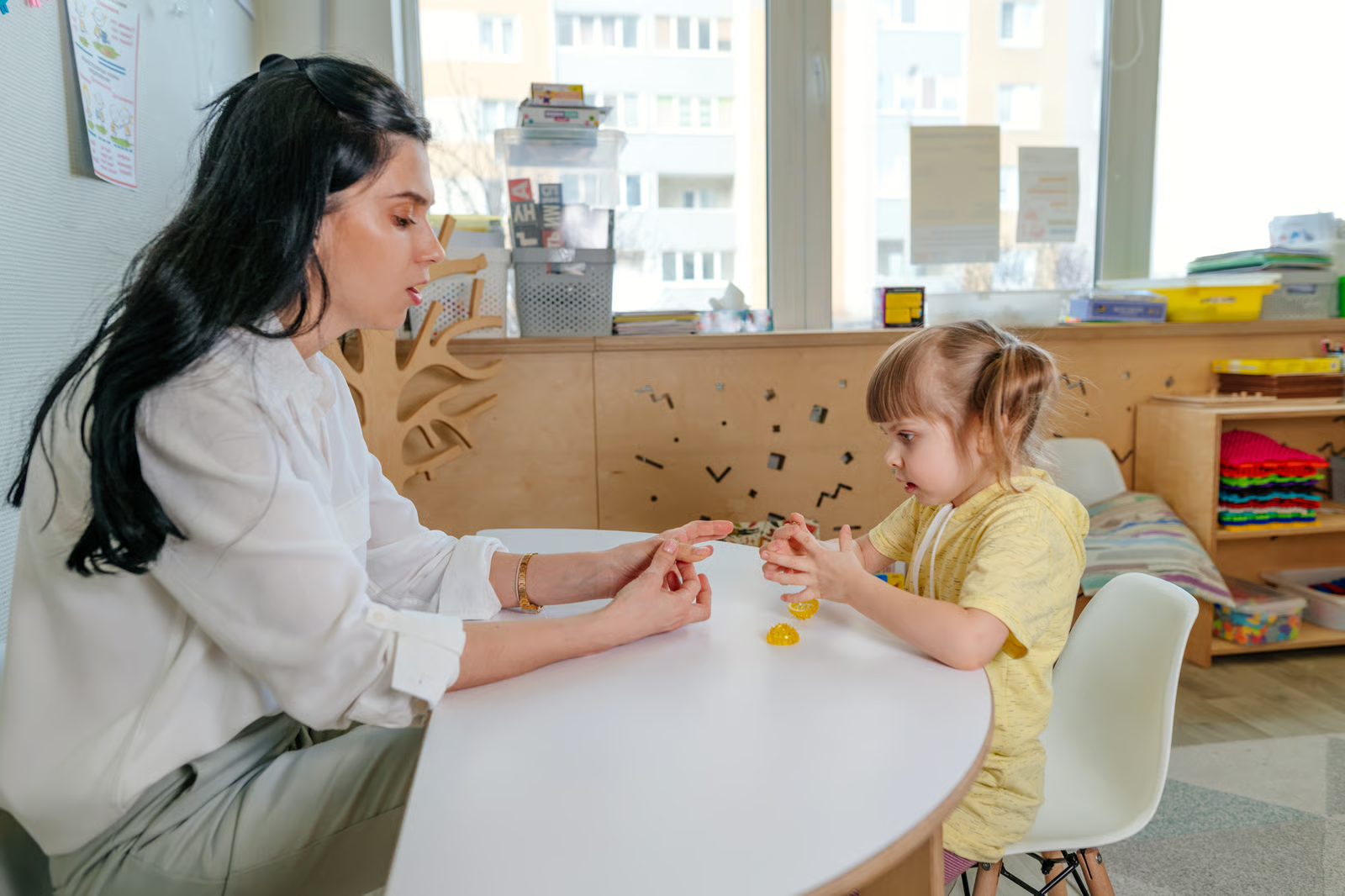
Developmental checklists are structured preschool assessment tools used to track progress toward age-appropriate milestones across key domains such as language, motor skills, cognition, and social development.
Common assessment forms used as checklists include:
✅ Skill-based milestone checklists
✅ Domain-specific developmental checklists
✅ Early childhood screening tools
✅ Observation-based rating scales completed over time
These tools support consistency and long-term tracking in preschool assessment.
Portfolio-Based Assessment
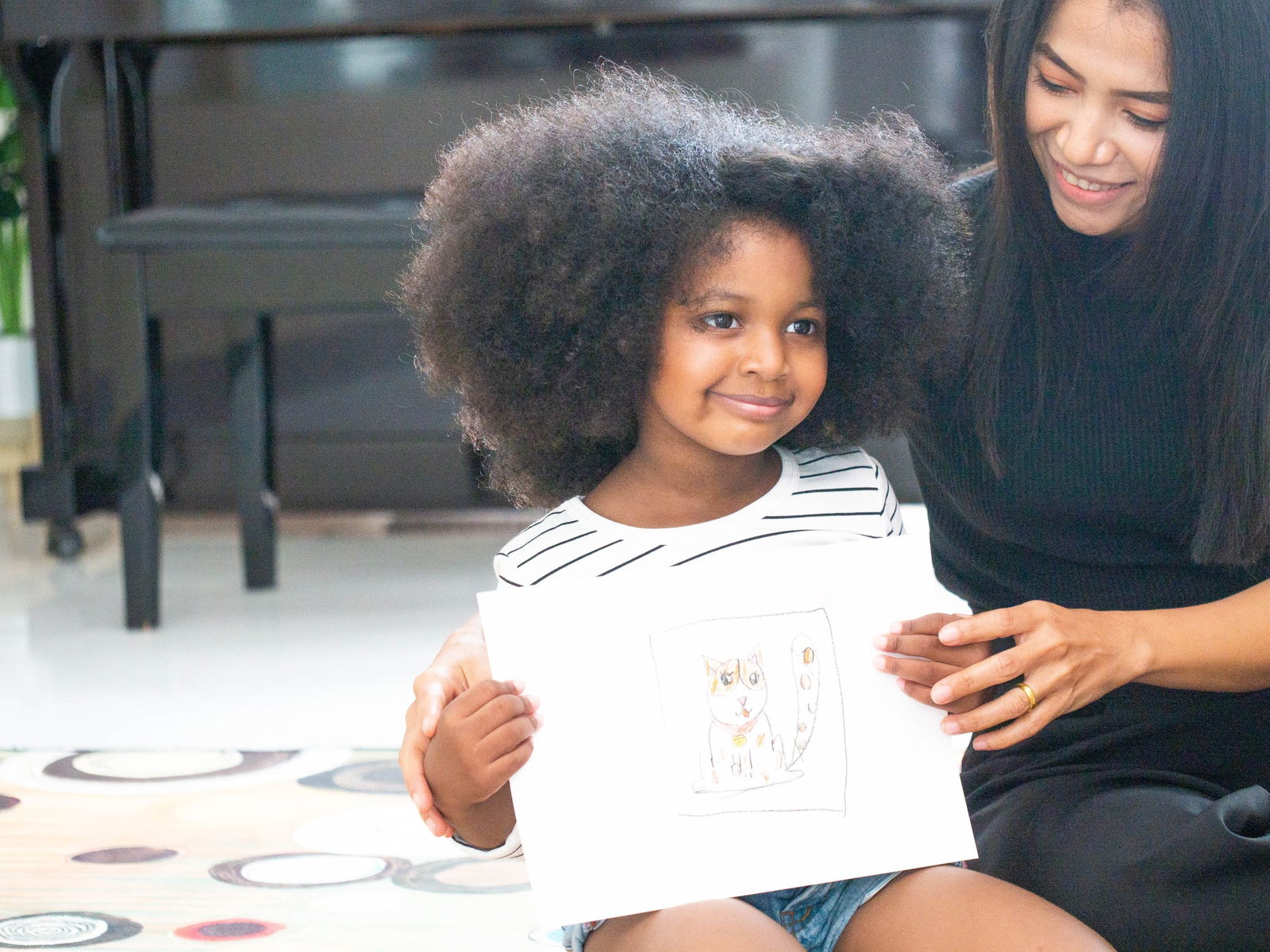
Portfolio-based assessment collects evidence of learning across weeks or months. Instead of focusing on isolated outcomes, portfolios show growth and development over time.
Portfolio-based assessment collects evidence of learning across weeks or months. Instead of focusing on isolated outcomes, portfolios show growth and development over time.
Common preschool assessment forms used in portfolios include:
- Samples of artwork and early writing
- Photos of hands-on activities and play
- Audio or video recordings of storytelling or language use
- Teacher reflections paired with student work
This approach supports a holistic view of preschool assessment and child development.
How Technology Supports Preschool Assessment

Technology enhances preschool assessment by helping teachers document learning more efficiently and capture learning moments that might otherwise be missed.
Digital tools allow preschool assessment to happen during instruction rather than after it. Teachers can collect responses, visuals, and participation data in real time.
Technology also supports inclusive preschool assessment by giving children multiple ways to show understanding through visuals, taps, or drawings.
When used intentionally, technology reduces administrative burden while improving the quality and accuracy of preschool assessment.
Learn how to effectively integrate technology in your classroom by checking out Teacher-Tested Ways to Use Technology in the Classroom With Less Work.
How to Turn this Preschool Assessment into PowerPoint Presentation Using ClassPoint
ClassPoint supports preschool assessment by embedding assessment directly into everyday lessons. Instead of separating teaching and assessment, ClassPoint allows teachers to observe understanding through interactive activities that feel natural and engaging for preschoolers.
To help you run your preschool assessment with ClassPoint, follow the steps below:
Step 1. Prepare your assessment slide.
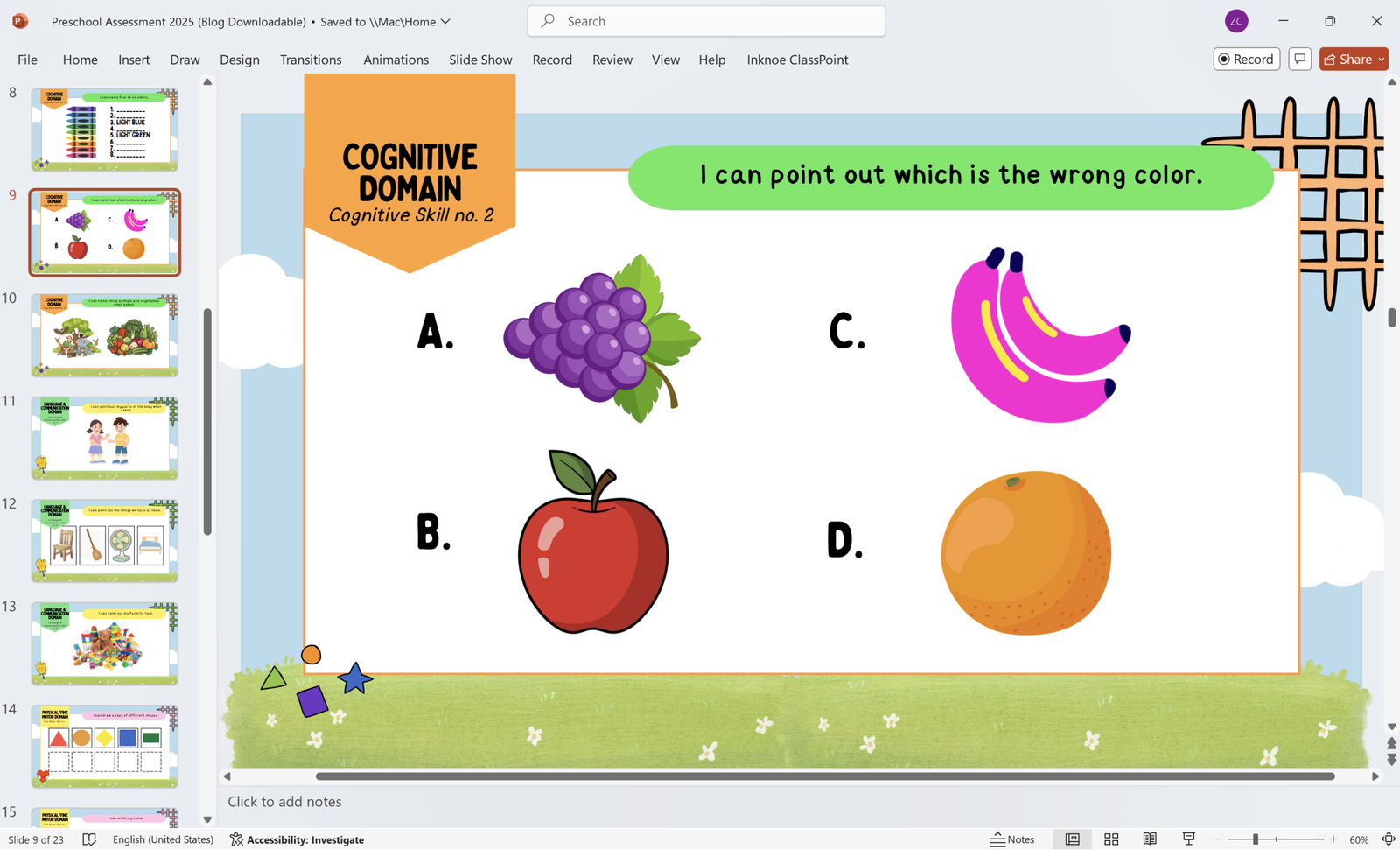
Before integrating ClassPoint in your presentation, make sure to prepare your slide deck that includes your assessment activities.
You don’t have one yet? Worry no more! We have prepared a ready-to-use preschool assessment you can use on your students. Click the link below:
Preschool Assessment Free PowerPoint Downloadable Template
Save these easy template to get your preschool assessment started.
Teachers can use this template not only during assessment, but also for fun activities in the classroom. This supports ongoing formative preschool assessment and helps teachers identify learning needs in real time.
Step 2. Pick an interactive quiz of your choice.
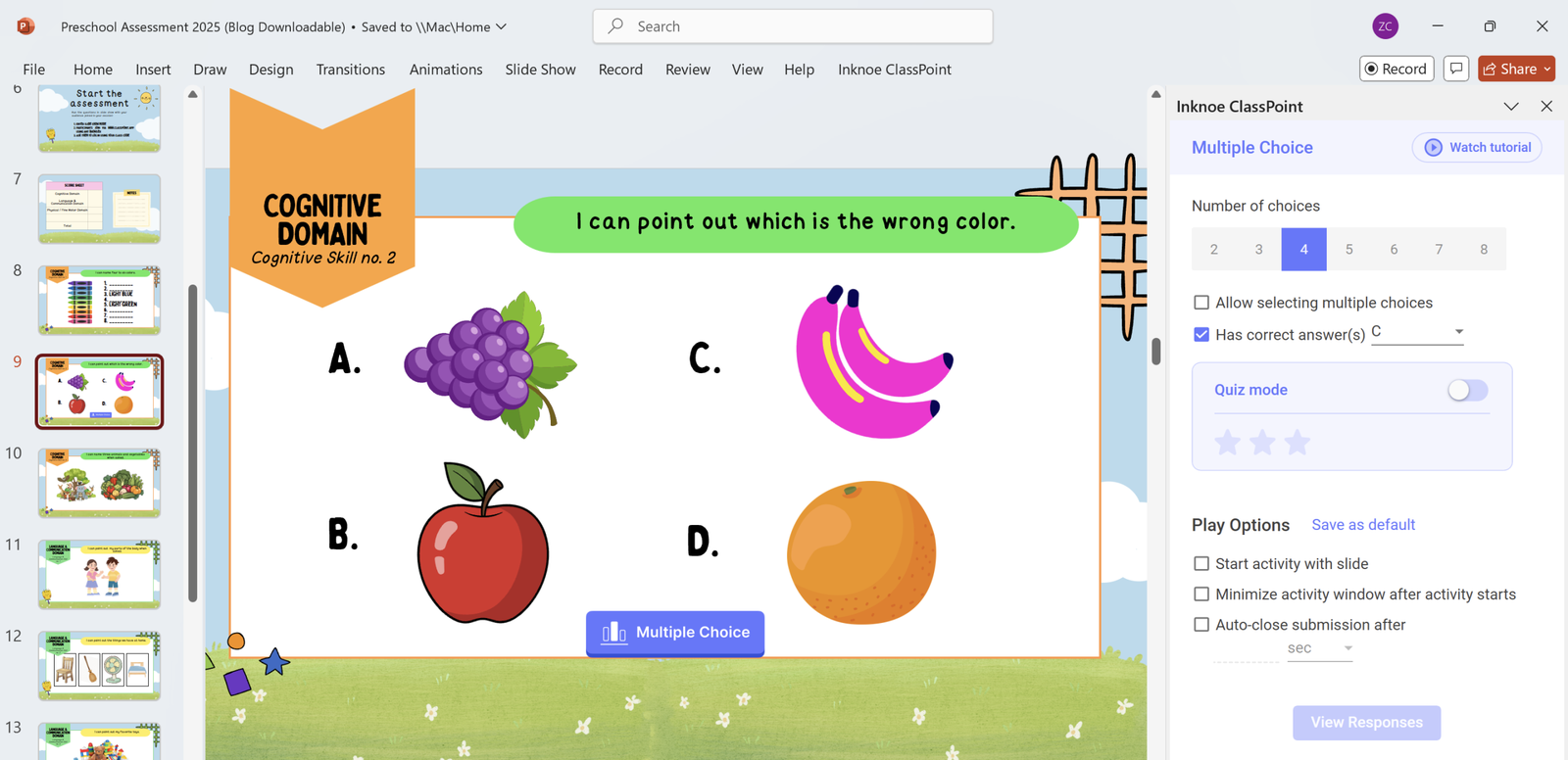
ClassPoint offers simple, interactive question types like Multiple Choice Questions that align well with preschooler needs.
Other question types like Image Upload, Slide Drawing, and Drag and Drop activities allow children to respond without relying on advanced reading or writing skills.
Step 3. Run your assessment in Slide Show mode.
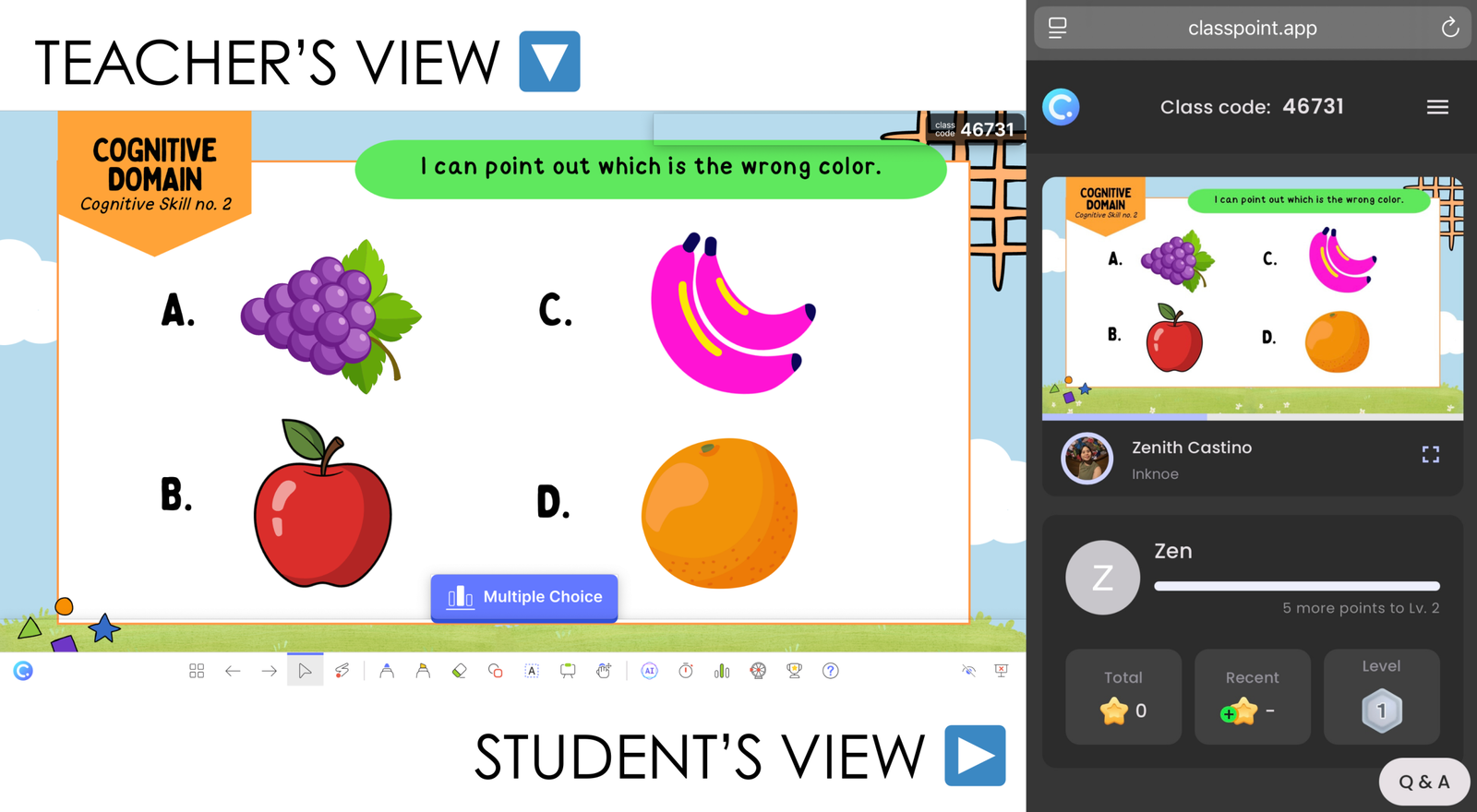
Assist your student to participate in the assessment by going to classpoint.app and entering their name to join. They can now see your slide in their own gadgets.
By entering the Slide Show mode and clicking on the activity button (Multiple Choice), your students can now answer your assessment.
Step 4. Collect answers and award stars.
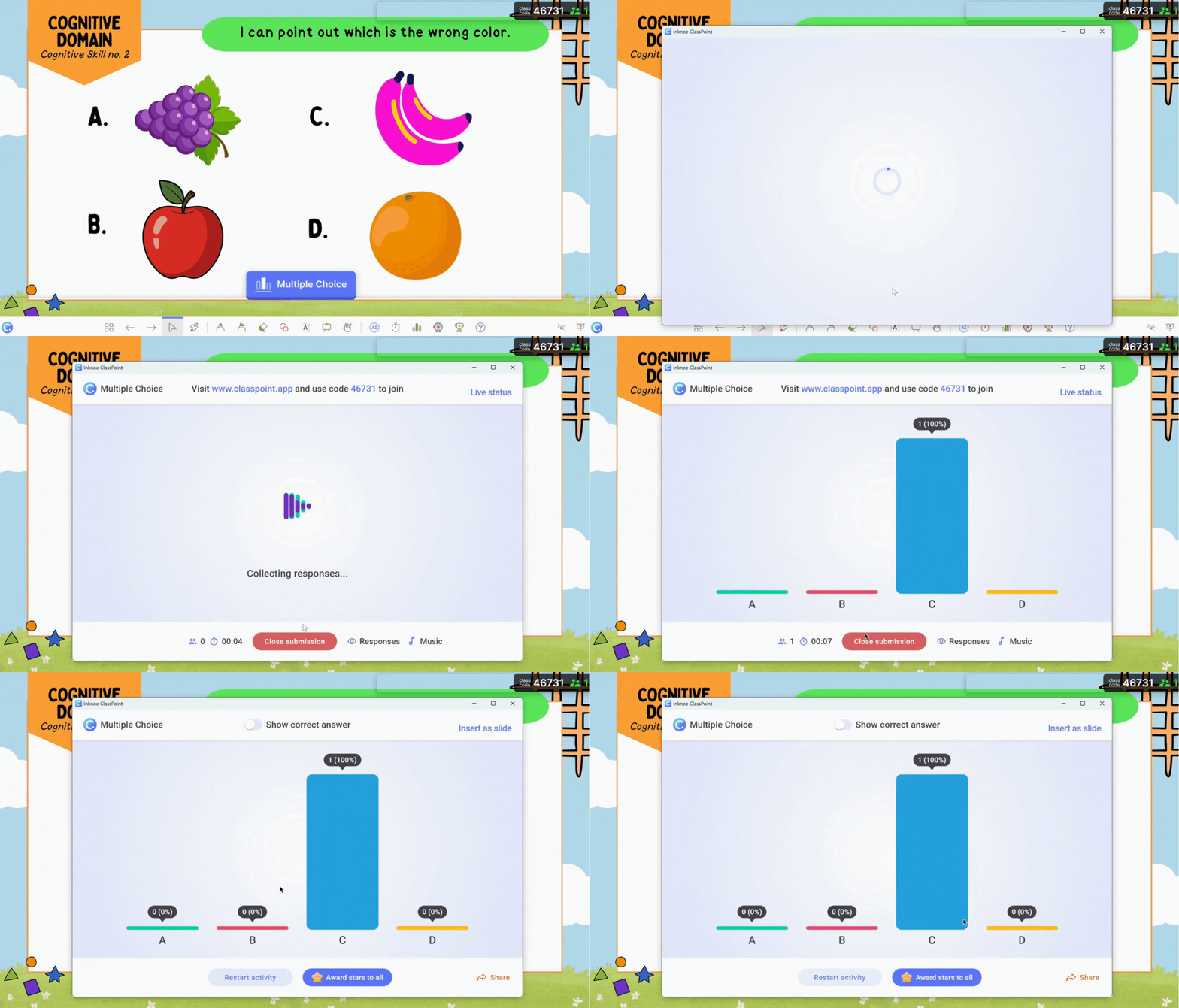
ClassPoint displays responses instantly, giving teachers immediate insight into class understanding.
During preschool assessment, this helps teachers notice participation patterns, identify misconceptions, and provide timely support.
Real-time feedback allows assessment to guide instruction while learning is happening.
Step 5. Save responses to assess performance.
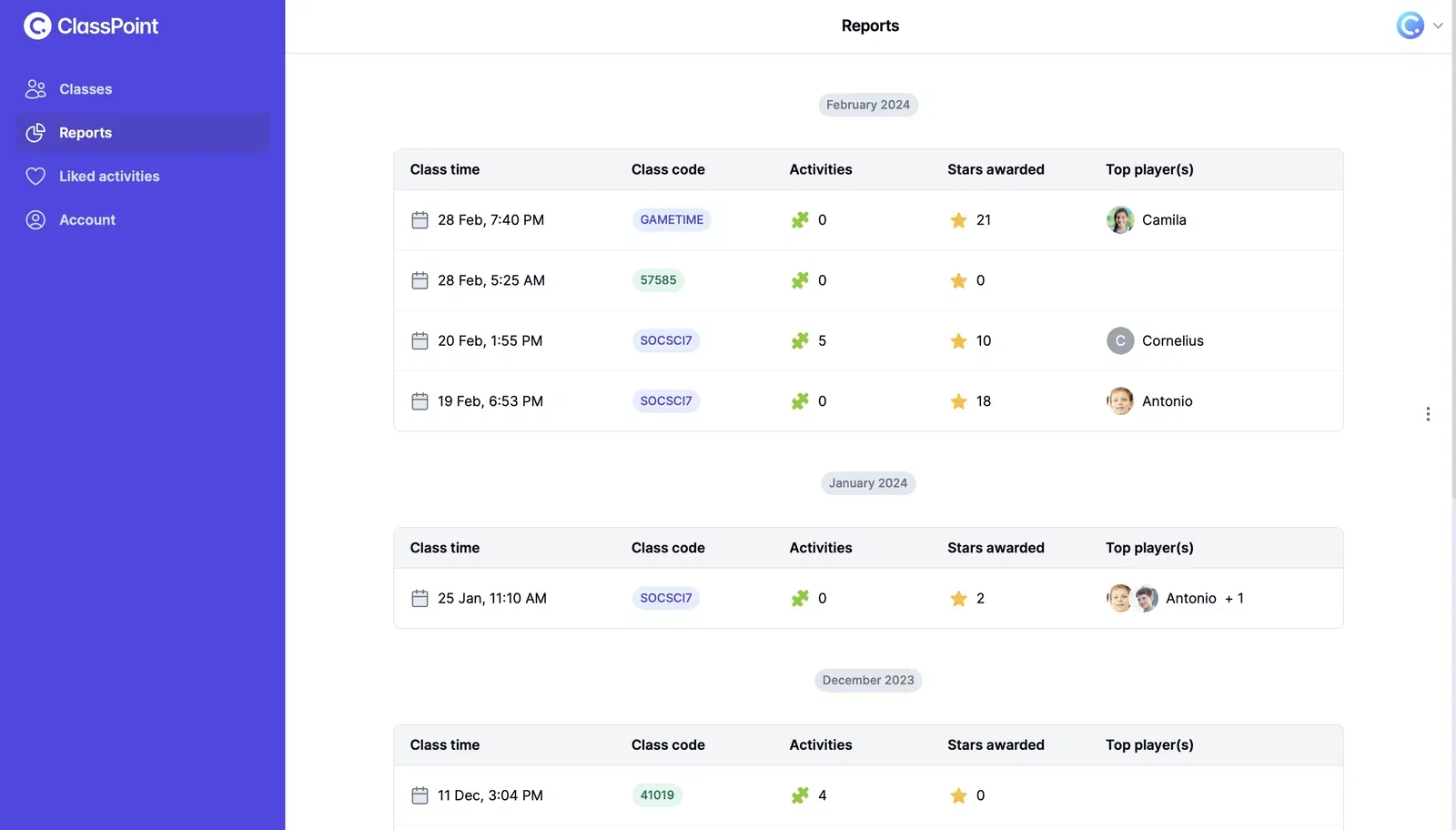
All responses collected through ClassPoint are saved and accessible for later review. This supports long-term preschool assessment by allowing teachers to track progress over time and revisit learning evidence.
Saved responses also support portfolio-based preschool assessment and make parent communication more concrete by providing real examples of participation and growth.
⭐ BONUS TIPS!
Assessment works best when it blends naturally into everyday classroom routines. Instead of pulling children out of learning moments to assess them, teachers need tools that capture understanding, engagement, and growth as they happen.
Below are practical ways ClassPoint contribute to more effective, inclusive, and manageable preschool assessment:
- Use AI Summaries to identify patterns in assessment data. AI-generated summaries help teachers quickly spot trends, common challenges, and participation gaps across sessions.
- Model learning with Live Annotation Tools while observing responses. Teacher annotations allow educators to demonstrate concepts visually and observe how children follow along, react, and stay engaged during instruction.
- Promote balanced participation with the Random Name Picker. The random name picker helps ensure preschool assessment includes every child, creating more equitable opportunities to observe understanding and confidence.
- Support inclusive preschool assessment with anonymous participation. Anonymous response options help shy or hesitant children participate, ensuring preschool assessment reflects the understanding of the whole class.
- Use stars, levels, and badges as informal preschool assessment indicators. Gamification features help recognize effort, persistence, and participation, which are key behaviors often assessed in preschool settings.
