<p>Are you still spending hours brainstorming engaging questions for your next icebreaker, quiz, conversation starter, game night, trivia, or team-building activity? Let’s face it – wrestling with a creativity block is not a pleasant thing to go through. Fret not, as we have good news for you. Lucky for you, we’ve done the research on the best […]</p>
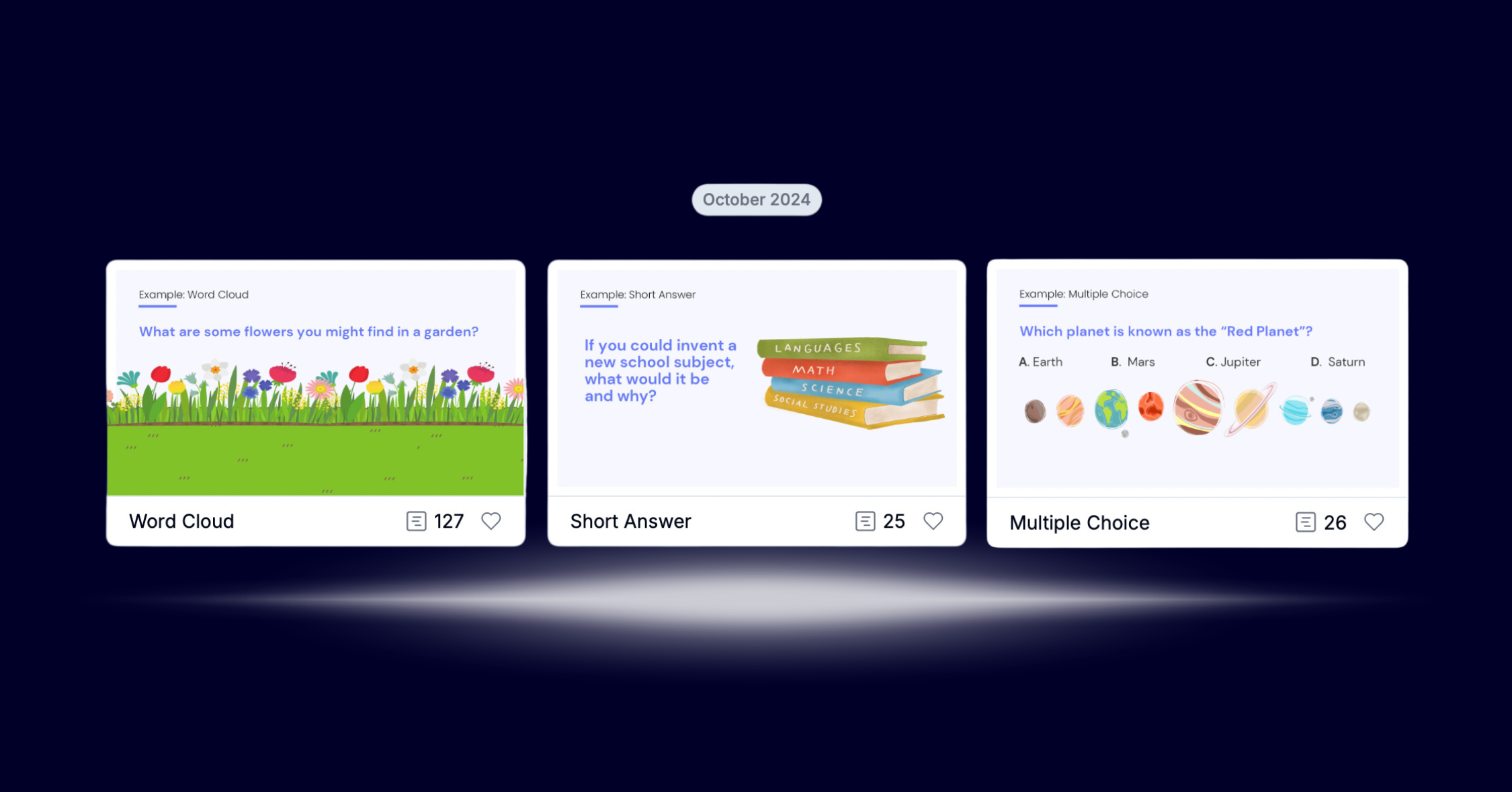
<p>ClassPoint’s web app makes tracking student progress effortless with its Activities tab, where every quiz, poll, and interactive session is stored in one organized place. With quick access to detailed reports and student submissions, the Activities tab is your go-to tool for reflecting on past lessons and planning engaging, data-driven classes. Perfect for teachers who value simplicity and meaningful insights!</p>
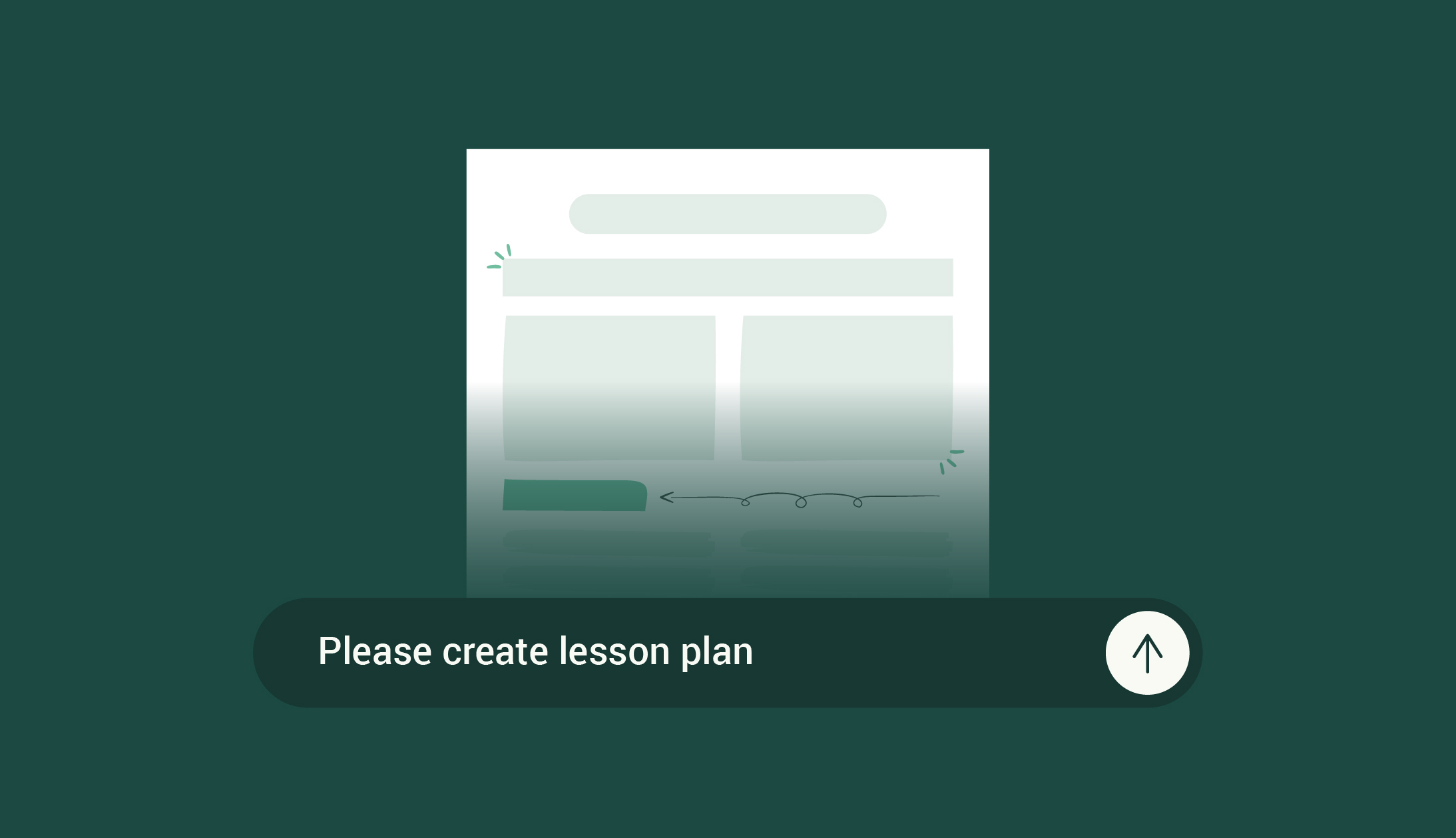
<p>Lesson planning can be daunting, but ChatGPT offers a fast, efficient way to design customized lessons that engage students and meet curriculum standards. From setting clear objectives to incorporating assessments, this guide shows you how to prompt ChatGPT for powerful lesson plans with ease—plus tips for taking your planning to the next level with Edcafe AI.</p>
<p>Classroom hand signals are a powerful tool to foster student engagement and streamline communication. Learn how to introduce, adapt, and use them effectively for students of all ages, while creating a more inclusive learning environment.</p>
<p>Artificial intelligence is becoming even “smarter” in every way when it can help teachers not only on enhancing their engagement and teaching methods, but also on easing their workload by providing auto-generated teaching material. In this blog post, we are going to discover top 6 best AI quiz question generator.</p>
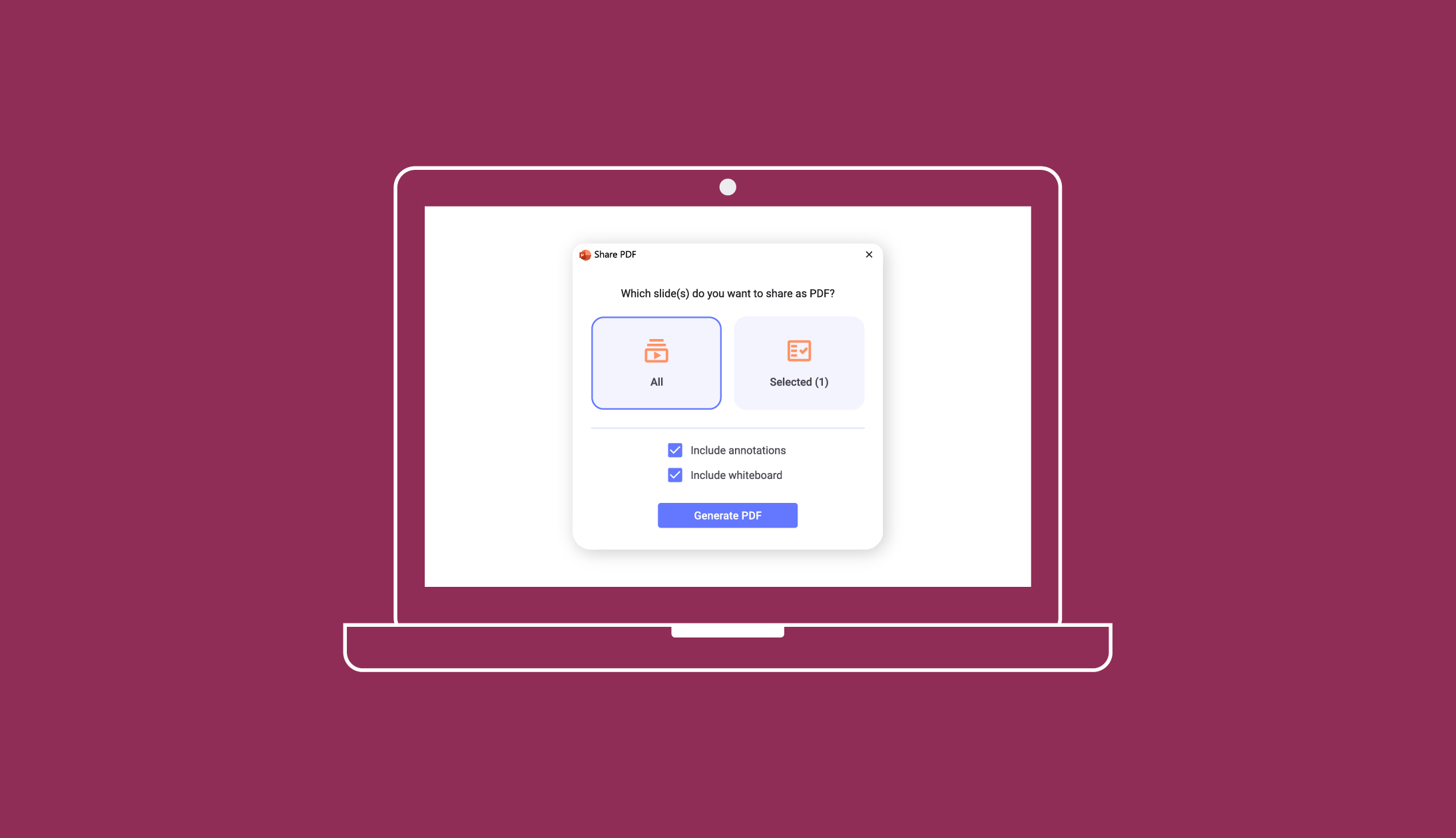
<p>Learn how to save PowerPoint as PDF for easy sharing, preserving layouts, and securing your content. Explore step-by-step instructions for different platforms and ways to include notes and make interactive presentations using ClassPoint.</p>
<p>Break the ice with these ‘Get to Know You’ questions for students. From fun favorites to thoughtful aspirations, this list offers a variety of categories to inspire meaningful conversations and build classroom connections.</p>
<p>Explore how Edcafe AI and other top AI tools are transforming teaching with interactive content, automation, and personalized learning. Compare their unique strengths to Magic School AI and find the perfect solution to streamline your classroom.</p>
<p>Unlock the power of discussion-based assessments to transform classroom conversations. Discover creative strategies like Fishbowl and Jigsaw that engage every student, foster critical thinking, and ensure diverse perspectives enrich learning.</p>
<p>Explore 48 free alternatives to ChatGPT to enhance your teaching practices and cater to diverse learning needs. Discover innovative engagement methods, personalized feedback, and virtual tutoring tools to name a few. </p>
<p>Bring your Halloween game session to life with a thrilling collection of unique Halloween trivia questions designed to captivate and entertain. This ready-to-use PowerPoint template offers an easy setup, and with ClassPoint, you can take the experience to a whole new level by making your trivia fully interactive! Perfect for adding a fresh twist to any classroom activity or themed gathering.</p>
1,000,000+ people like you use ClassPoint to boost student engagement in PowerPoint presentations.