
Teaching technology keeps expanding, but classroom time does not.
Most teachers already work inside the same core tools every day. Those tools shape how lessons are planned and how teaching unfolds once students are in the room. When something feels inefficient, the first reaction is often to search for another platform instead of examining what is already being used.
Over time, teaching technology starts to feel heavier. Planning stretches longer than it should, and switching between tools interrupts lesson flow. The technology itself is not the problem. The way it spreads across too many places is.
Before adding anything new, it’s worth asking a more grounded question. How much unused potential still exists inside the teaching technology you already rely on?
What “Maximizing” Teaching Technology Actually Looks Like
If adding more tools is not the answer, it helps to look more closely at how existing teaching technology is used each day.
Maximizing teaching technology is about lowering effort during prep and protecting lesson flow once class starts. The technology should stay close to the work teachers already do, instead of forcing new habits or extra steps.
You can usually tell teaching technology is being maximized when:
- Lessons can be adjusted without leaving the main teaching tool
- Student participation happens inside the same space where content is shown
- Preparation time goes down instead of stretching longer each week
- The tool supports teacher decisions rather than pushing its own structure
This kind of setup does not draw attention to the technology itself. It keeps the focus on teaching while quietly removing obstacles that slow lessons down.
Unsure where to start? Take a look at our list of 25+ Classroom Technology Tools That Are Actually Worth Using.
Signs Your Current Teaching Technology Isn’t Fully Used Yet
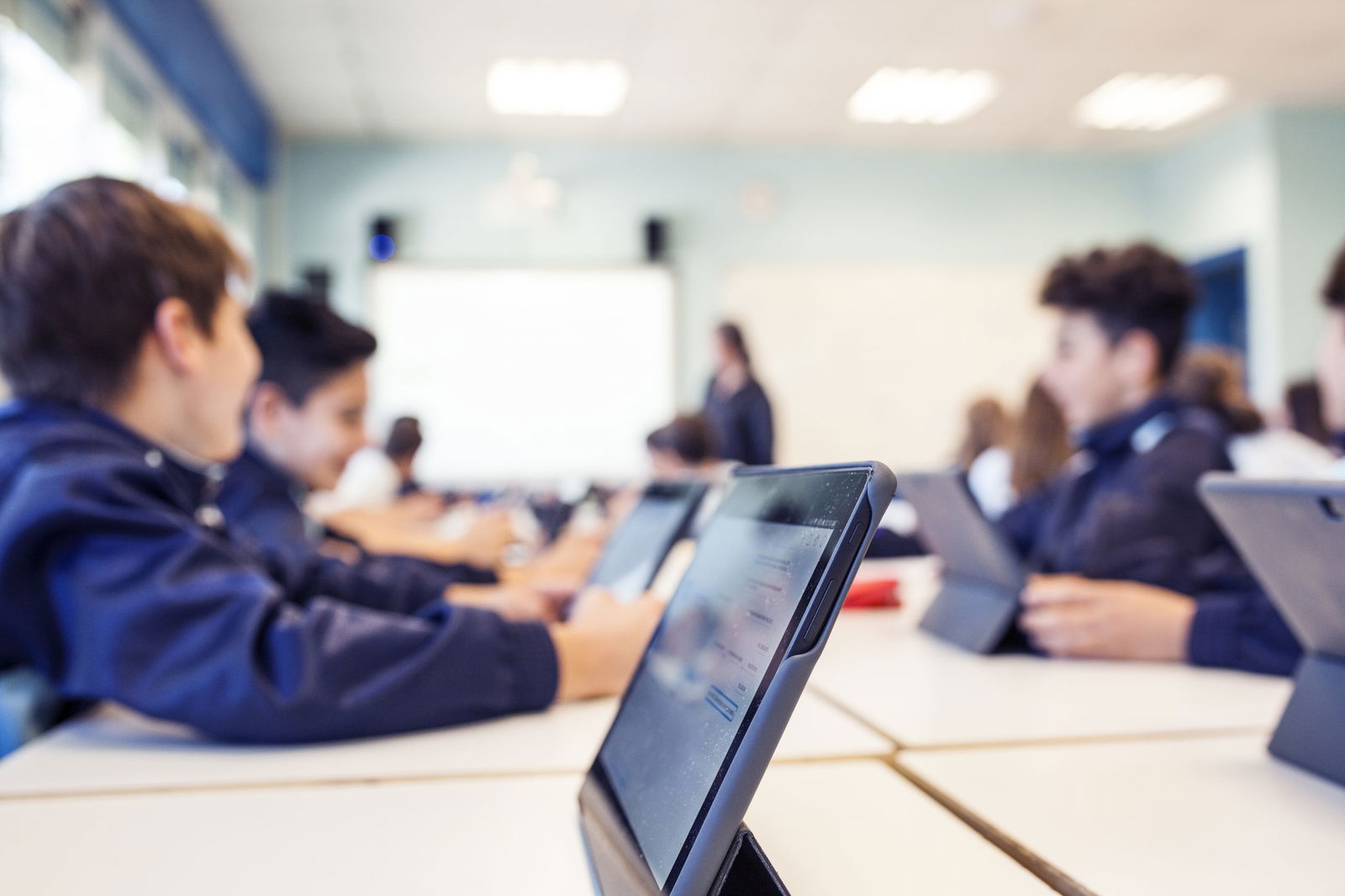
Most teaching technology does its job quietly, so it can be hard to tell when it’s only being used at a surface level. These signs are meant to be straightforward checks you can recognize during real lessons, not reflections that require analysis.
If even a few of these feel familiar, it usually means there is still more value left in the tools you already use.
| During a Lesson | What’s Actually Happening | Practical Signal |
|---|---|---|
| Students mostly watch and listen | Slides move forward, but students do not respond inside the tool | The technology supports delivery, not participation |
| Questions require a separate platform | You switch tools to run polls, collect answers, or check understanding | Interaction lives outside your main teaching space |
| Changes wait until the next class | You notice confusion but keep going as planned | The tool does not support adjustment in the moment |
| Responses are reviewed later | Student answers are checked after class ends | Feedback is disconnected from instruction |
| Features feel optional, not usable | You skip them when time is tight | The setup does not match classroom pace |
| Teaching slows when technology is involved | Switching views or tools breaks your flow | The tool adds friction instead of reducing it |
This does not mean your teaching technology is ineffective. It usually means it is doing one job well while leaving another untouched.
How Interactive Teaching Technology Can Extend What You Already Use
Once teaching technology is used well, the next layer is interaction.
This does not mean changing tools or rebuilding lessons. It means allowing students to do something inside the same space where teaching already happens.
Interactive teaching technology works best when it adds to existing habits instead of replacing them. You usually see this extension when:
- Students can respond without leaving the lesson
- Understanding becomes visible while teaching is still happening
- Teachers can pause, adjust, or move forward with confidence
Interaction, in this form, supports instruction by making student thinking easier to see and easier to act on.
That said, there are times when adding new teaching technology is the right move. Sometimes existing tools truly reach their limit, and every path points toward something new.
Before getting there, it helps to answer a few questions honestly:
- Can interaction happen inside the tools already in use?
- Does adding a new platform simplify the lesson or split attention?
- Will this tool be used during teaching, not just around it?
- Does it fit the pace of a real classroom day?
When those questions point outward, adding technology makes sense. When they point inward, the better move is often to extend what is already there.
What Teaching Technologies Help the Most Without Adding More
The teaching technologies that help the most are often the ones that stay close to how lessons already run. They do not ask teachers to rebuild materials or change how they teach. They extend what is already familiar.
In many classrooms, the tools that support this approach fall into familiar categories.
- Google Forms: Often used for checks that happen outside live lessons, especially when responses do not need immediate discussion.
- Padlet: Useful when students need a shared space to collect ideas or reflections visually.
- Mentimeter: Commonly chosen for quick polls or reactions during presentations.
- Nearpod: Works best when lessons are designed around its structure from the start.
These tools solve real problems. The limitation is that they usually sit beside the main teaching space rather than inside it.
This is where teaching technology that lives inside existing tools makes a meaningful difference.
ClassPoint works directly inside PowerPoint, which many teachers already use to plan and deliver lessons. Instead of adding another platform, it turns presentations into an interactive teaching space.
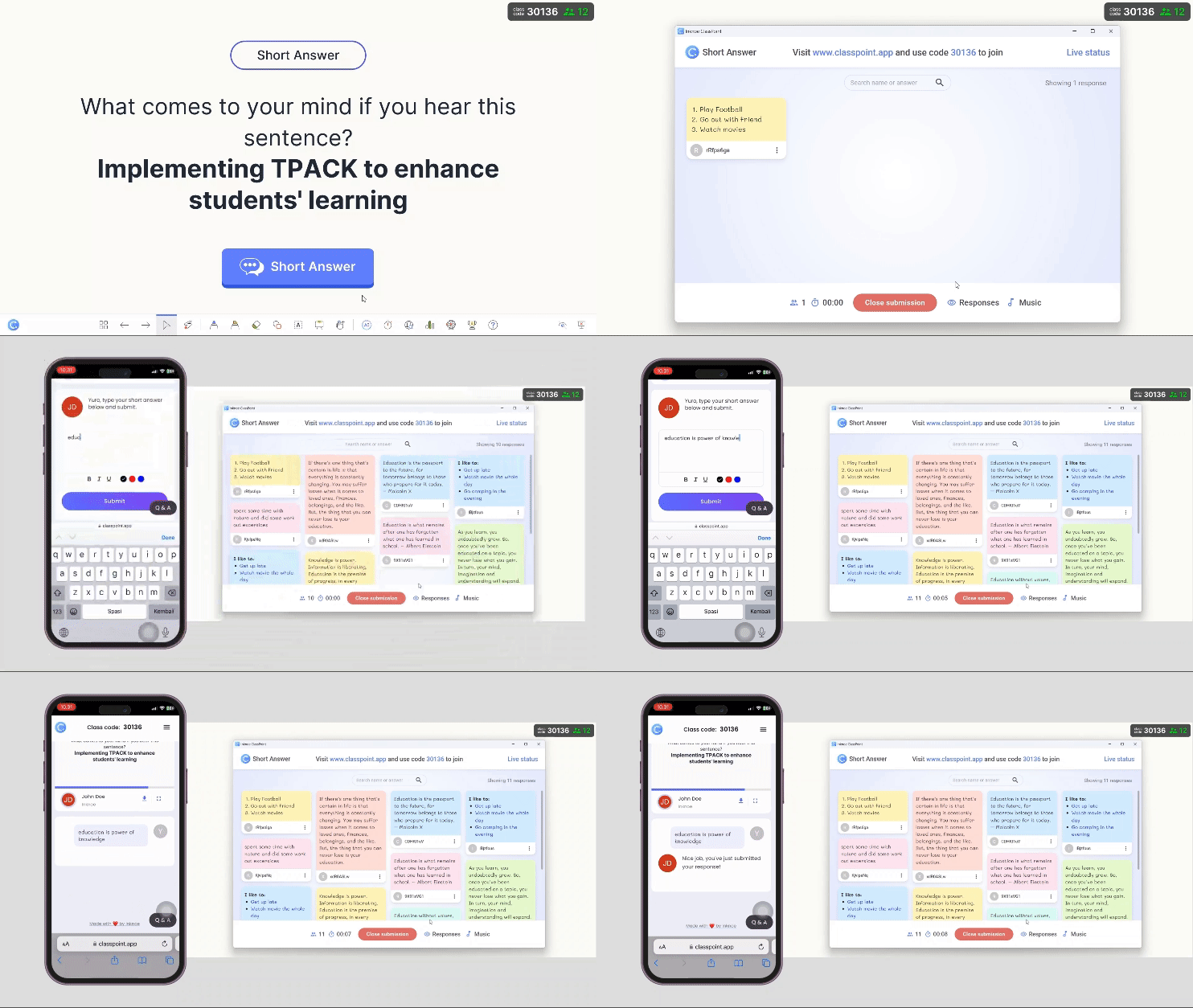
ClassPoint helps teachers get more without adding more because:
- Interactive quizzes run directly from presentation slides, allowing teachers to explain, ask questions, and collect responses in the same moment
- Student participation happens on the spot, so understanding is visible while teaching is still happening
- Gamification features support motivation during lessons without changing lesson structure
- Live teaching tools like name picker and timer help keep lessons moving and responsive
- Classes can be tracked across multiple sessions, giving teachers access to student data and session reports without extra setup
All of this happens inside PowerPoint.
When the goal is to maximize what is already in place before adding anything new, this kind of integration matters.
