<p>Looking for education blogs that are actually worth your time? This list features 25+ active, up-to-date blogs for teachers and educators — from AI teaching tools and instructional strategies to real-world classroom voices. Whether you’re planning tomorrow’s lesson or rethinking your workflow, there’s something here that’ll help.</p>
<p>Vevox and ClassPoint both support live classroom interaction, but they are built for very different teaching workflows. This comparison breaks down where each tool shines, from quiz types and gamification to live presentation support, AI capabilities, and reporting.</p>
<p>Turn your graphic organizer slides into interactive learning tools. Learn how to use ClassPoint in PowerPoint to create real-time, student-ready organizers.</p>
<p>Engaging winter break activities for students. Explore 75 creative, fun, and meaningful classroom ideas and discover how ClassPoint helps teachers run them effortlessly.</p>
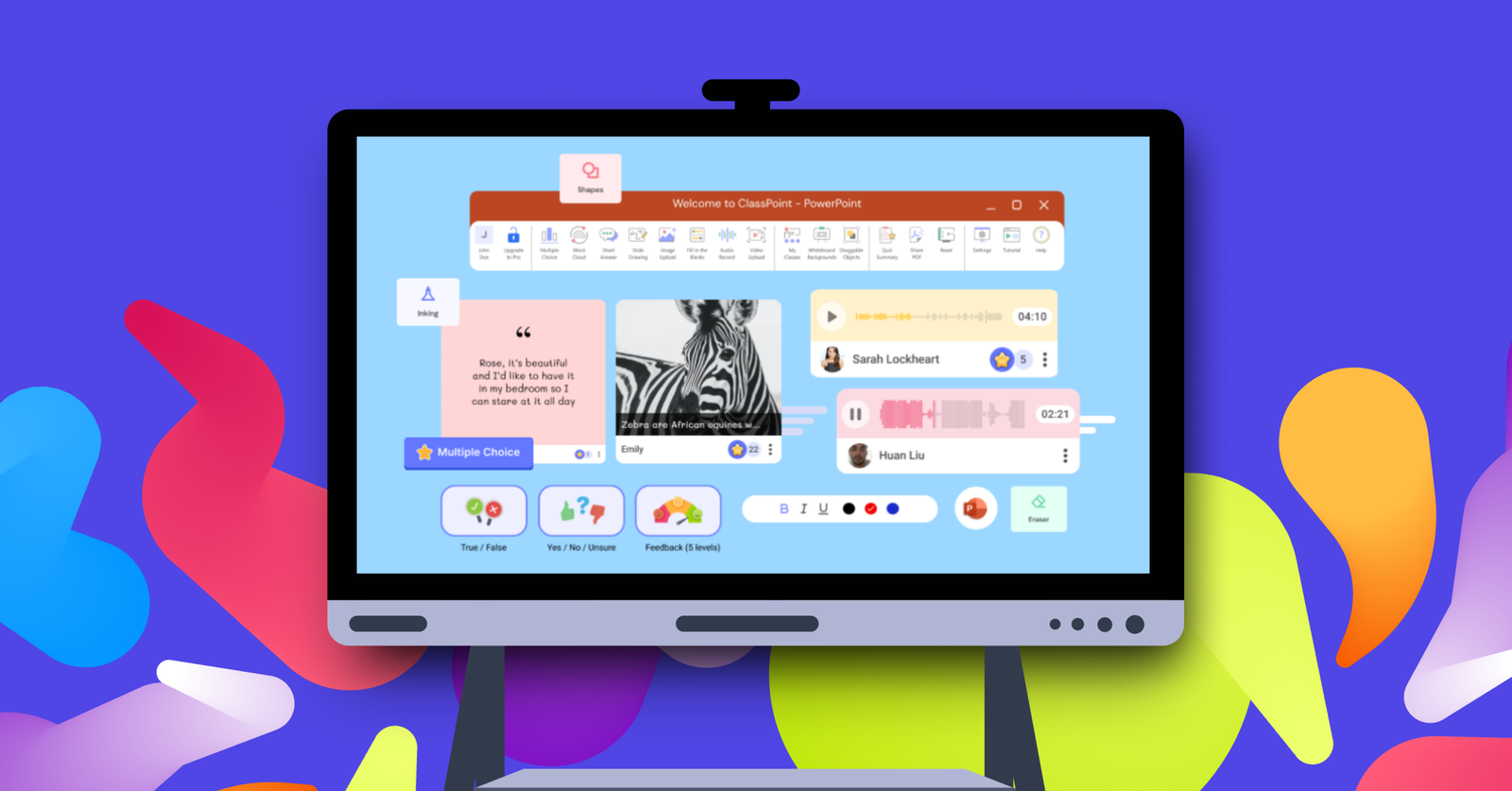
<p>Running a live classroom takes more than good slides. This guide breaks down the must-dos and best practices for delivering effective live classroom sessions using ClassPoint.</p>
<p>Tired of the limits with Nearpod? This guide breaks down the 8 best-rated Nearpod alternatives—real tools teachers are switching to, with honest comparisons, standout features, and which one leads the pack.</p>
<p>Learn what a digital classroom really means, why it is essential in modern learning, what tools make it work, and how ClassPoint turns your PowerPoint into a powerful digital teaching environment.</p>
<p>Explore 100+ Christmas quiz questions that feel new, fact-checked, and fun to play. Perfect for any holiday quiz and includes a free downloadable PowerPoint template with a quick guide to run it interactively.</p>
<p>Discover low prep ways to use technology in the classroom. This guide shares practical classroom tech ideas teachers can apply quickly, no matter where they teach.</p>
<p>A simple year end recap of ClassPoint’s 2025 updates and a look at upcoming features for 2026, including new device support and AI tools for teachers.</p>
<p>Learn what teacher bias looks like, why it happens, and how ClassPoint features such as Name Picker, Short Answer, and anonymous responses help teachers reduce bias and create a fair learning environment.</p>
1,000,000+ people like you use ClassPoint to boost student engagement in PowerPoint presentations.