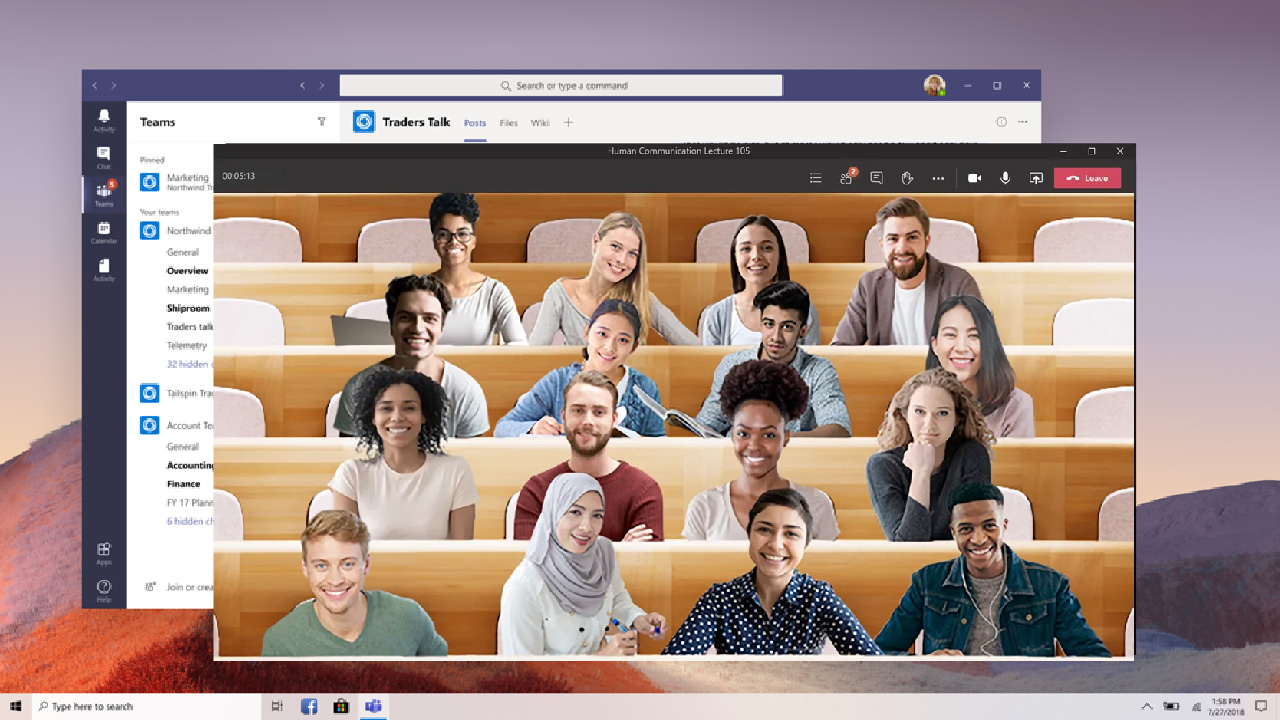
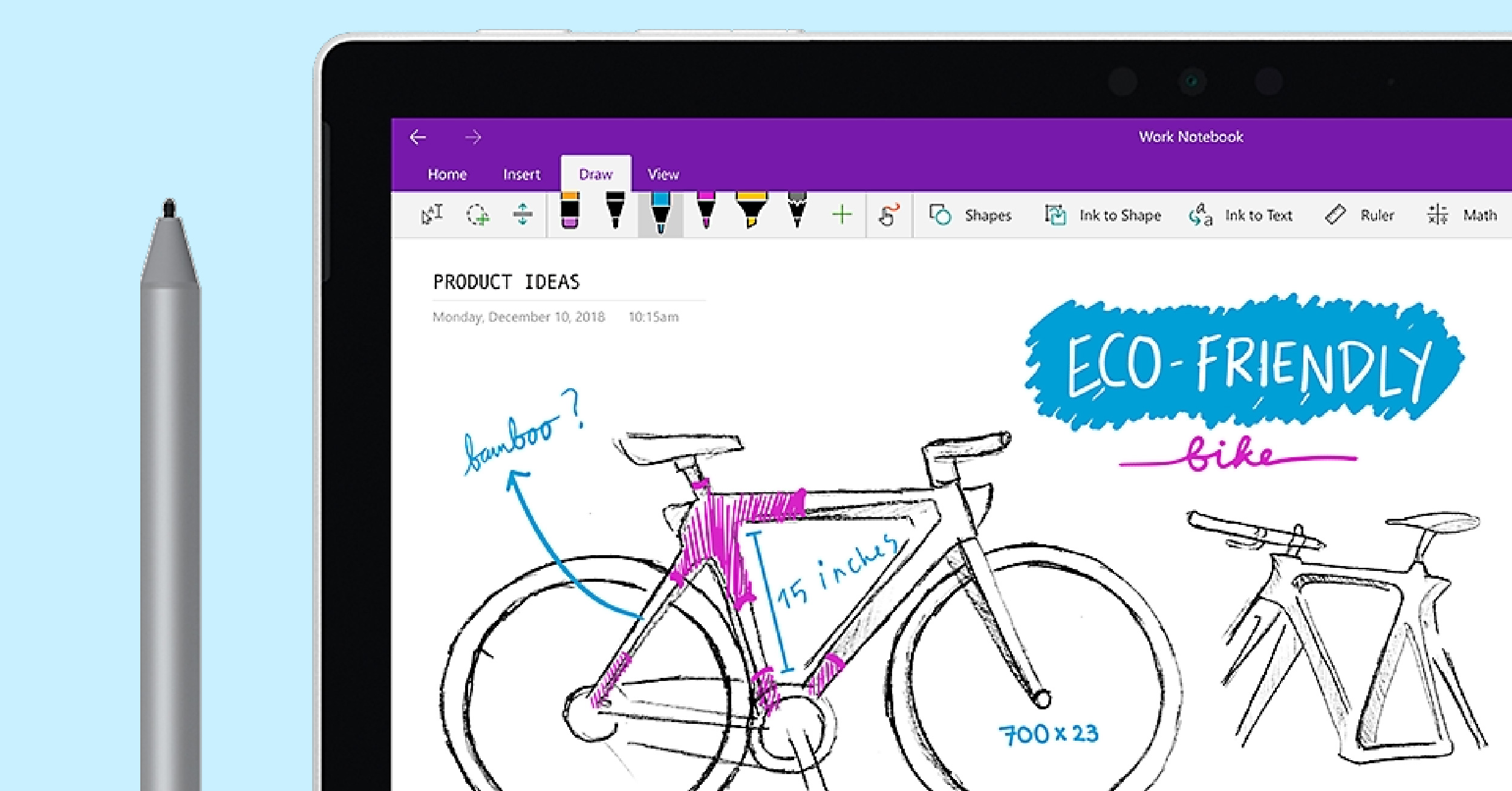
<p>Take full advantage of Microsoft Teams by using both Class Notebook and the Assignments feature. </p>
<p>Work together with students by sharing digital information back and forth through the Collaboration Space in Class Notebook. This handy space inside OneNote is underutilized by most. Follow along to take advatage. </p>
<p>There are a plethora of ways for you and your students to use Padlet in the classroom. Follow along to learn how to begin using Padlet in your classroom. </p>
<p>Breakout Channels in Teams can be used to give your students a chance to connect and interact with one another while teaching is being done online. </p>
<p>Get connected with students and keep files, information, and even assignments in Microsoft Teams. Learn how to take advantage of the Assignments feature in Teams to make the most of Teams in your classroom</p>
<p>Try creating your own Bitmoji Classroom in PowerPoint to make delivering digital content more engaging. These animations are a fun way to personalize your virtual space. </p>
<p>Showing videos in your classroom gives your students to learn through different media. Luckily, Youtube has educational channels that are designed specifically for you and your students.</p>
<p>These 5 tools for classroom management allow you to free up your time by integrating as many features as possible into one easy-to-use tool. Find out which one will work best for you. </p>
<p>Welcome to ClassPoint July 2020 Updates! First and foremost, I’d like to thank all teachers for your effort in Home Based Learning in the past few months. It was definitely not an easy job to do. I also appreciate your support in using and sharing ClassPoint, as we have seen a 5x user growth in […]</p>
<p>Assessments are a core piece of understanding your students and their learning process. Add a digital assessment tool to your lessons to engage your students in a way they’ll love.</p>
<p>Encourage students to learn from each other by adding group brainstorming into your classroom. Check out these six collaborative brainstorming tools to bring new ideas into every lesson! </p>
1,000,000+ people like you use ClassPoint to boost student engagement in PowerPoint presentations.


![Create and Use Breakout Channels in Teams for Teaching [Step-by-step]](https://cdn.classpoint.io/wp-content/uploads/blogThumbnail_TemsChannel.jpg)