
The debate about phones in the classroom usually goes one of two ways: ban them completely, or let students manage them on their own.
Both approaches miss something critical. Digital citizenship posters don’t teach actual digital skills. Neither do confiscation policies. Students need to learn how to evaluate online sources, manage screen time, and communicate professionally on devices. But classroom phone bans mean they never practice these skills with the tools they’ll actually use.
Taking phones away doesn’t build digital responsibility. It just postpones the learning.
This blog shows you a third option: practical strategies from real teachers who turned phones into learning tools. You’ll see what works in actual classrooms, why students engage when phones have purpose, and three simple ways to start tomorrow—no permission slips or new budget required.
What Students Actually Need to Learn About Technology
The skills students actually need aren’t the ones we typically focus on.
They need to recognize when a TikTok “fact” is actually misinformation. Know if a website is credible before citing it in their paper. Figure out when they’re mindlessly scrolling versus doing something productive.
These skills develop through practice with feedback. Technology integration means giving students structured opportunities to use devices, make decisions, and learn from what happens.
Teaching responsible phone use requires actual phones. Just like learning to drive requires getting behind the wheel.
Believe it or not, TikTok has already penetrated classroom. Check out our quick guide on The Rise of TikTok Teaching and how you can use it to bring fun in the classroom.
Phones in the Classroom isn’t the Problem
Research on student engagement and phone use reveals something most teachers already know from experience: the device itself isn’t the issue. What students do during class is. The real question is whether we’re giving them something worth paying attention to.
What Makes Students Ignore Classroom Phone Distractions?
Think about the last time you got completely absorbed in something.
Your phone could buzz five times and you wouldn’t even glance at it. That happens when what you’re doing matters more than what might be on your screen.
Students are no different. The solution isn’t stricter rules or asking for more self-control. It’s designing lessons that earn attention. When students find work genuinely compelling, phones stop being the more interesting option. The device sitting on the desk becomes irrelevant when the learning itself demands focus.
Here’s What Students Actually Say About Their Phones
Pew Research asked 1,453 U.S. teens ages 13-17 about their phone use. Here’s what they said:
| What They Think | Percentage | Who Agrees Most |
|---|---|---|
| Phones help with learning | 70% | Girls (73%) more than boys (67%) |
| Phones help pursue interests and hobbies | 69% | Consistent across ages 13-17 |
| Phones help with creativity | 65% | Older teens (66%) slightly more than younger (63%) |
We keep treating phones like the enemy. Students keep saying they’re useful. The disconnect is worth examining.
The Classrooms Where Phones Aren’t a Problem
Walk into certain classrooms and you’ll notice something. Phones are out. Students are focused. What’s different?
These teachers integrated classroom phones into learning instead of fighting them. The device serves a purpose in the lesson instead of competing with it. Motivation follows relevance. When work matters, students engage.
Speaking of engaging students, here’s a curated list of High-Impact Student Engagement Activities That Work for All Learners.
Real Strategies Teachers Are Using Right Now
Here’s what’s actually working in classrooms where phones stopped being a problem. Not theories. Not maybes. Actual classroom engagement strategies from teachers who tried, adjusted, and found what works.
Research Spotlight: Reducing Speaking Anxiety Through Video Practice
Sometimes the best evidence for phone integration comes from unexpected places. A research on 60 high school English learners in Vietnam found something every language teacher will recognize: speaking anxiety is real, and traditional methods often make it worse. Here’s what worked instead.

What the Teacher Did
The teacher assigned Flipgrid videos for speaking practice. Students recorded short video responses to prompts at home. They could re-record as many times as they wanted until they felt satisfied. Then they posted their videos for classmates to watch and comment on.
The phone removed the live audience that triggered anxiety. Students practiced speaking English without 30 pairs of eyes watching them stumble through sentences. They could think, rehearse, mess up privately, and only share when ready.
The Result
Speaking anxiety scores dropped significantly after one semester. Students who wouldn’t speak in class started speaking on camera first. That built enough confidence to eventually participate in live conversations.
The phone didn’t replace speaking practice. It created a bridge between silence and participation.
Why gamification in education works: When students feel safe making mistakes, they actually practice instead of avoiding the task entirely.
Andrew Gielda: From Bored Listeners to Competitive Learners
Video practice solved speaking anxiety for language learners. But what about students who just aren’t engaged? A Michigan teacher tackled that problem in his history and psychology classes.
Andrew Gielda’s students weren’t disruptive. They paid attention, took notes, participated when called on. But they weren’t really there. Classic passive learning. When Andrew started using classroom phones for interactive questions during lessons, that changed fast.
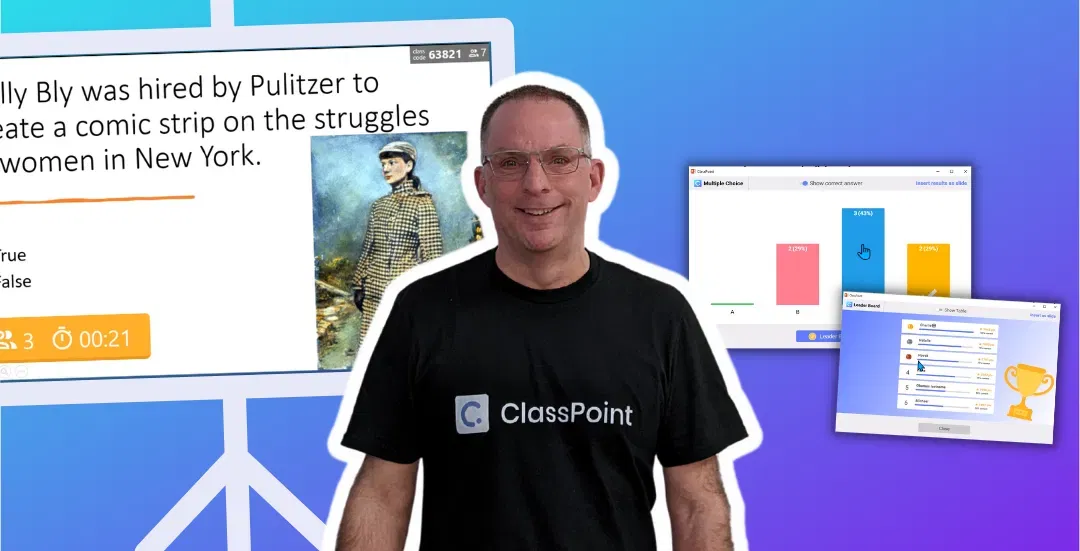
Here’s his three-part system:
- Gamified reviews — Students compete for points, climb leaderboards, actually want to answer questions. The competitive element turns review sessions from drudgery into something students ask for.
- Understanding checkpoints — Mid-lesson, Andrew poses a question. Everyone answers on phones. He sees instantly who’s confused and adjusts his teaching before moving on. No waiting until the test to discover students didn’t understand.
- Participation grades — Results export directly to his gradebook. Students know participation counts. Phones track it automatically. No more “I swear I participated” debates.
The Results?
32% engagement increase. 87% of students said it improved their test scores. Students begged to retake quizzes after class to beat their scores.
Phones went from distractions to the reason students stayed focused.
This is formative assessment actually working. Andrew gets real-time data and adjusts. Students get immediate feedback and stay engaged. Nobody’s guessing whether learning is happening.
To cultivate a culture of feedback in the classroom, here are 6 Proven Feedback Strategies That Make Students Ask for Feedback Themselves.
Find Your Own Approach
These are just two examples. You know your students better than any case study does. Maybe your challenge isn’t speaking anxiety or passive learning. Maybe it’s something completely different. The point isn’t to copy exactly what these teachers did. It’s to see the principle in action and adapt it to what you’re dealing with.
What You Can Try Tomorrow
The truth is you don’t need a big budget or any budget at all. Start small. These strategies work with the classroom and students you already have.
1. Try One Check-In Question Per Lesson
Mid-lesson, pose one question to see who’s following. Students answer on phones. You see results instantly and adjust.
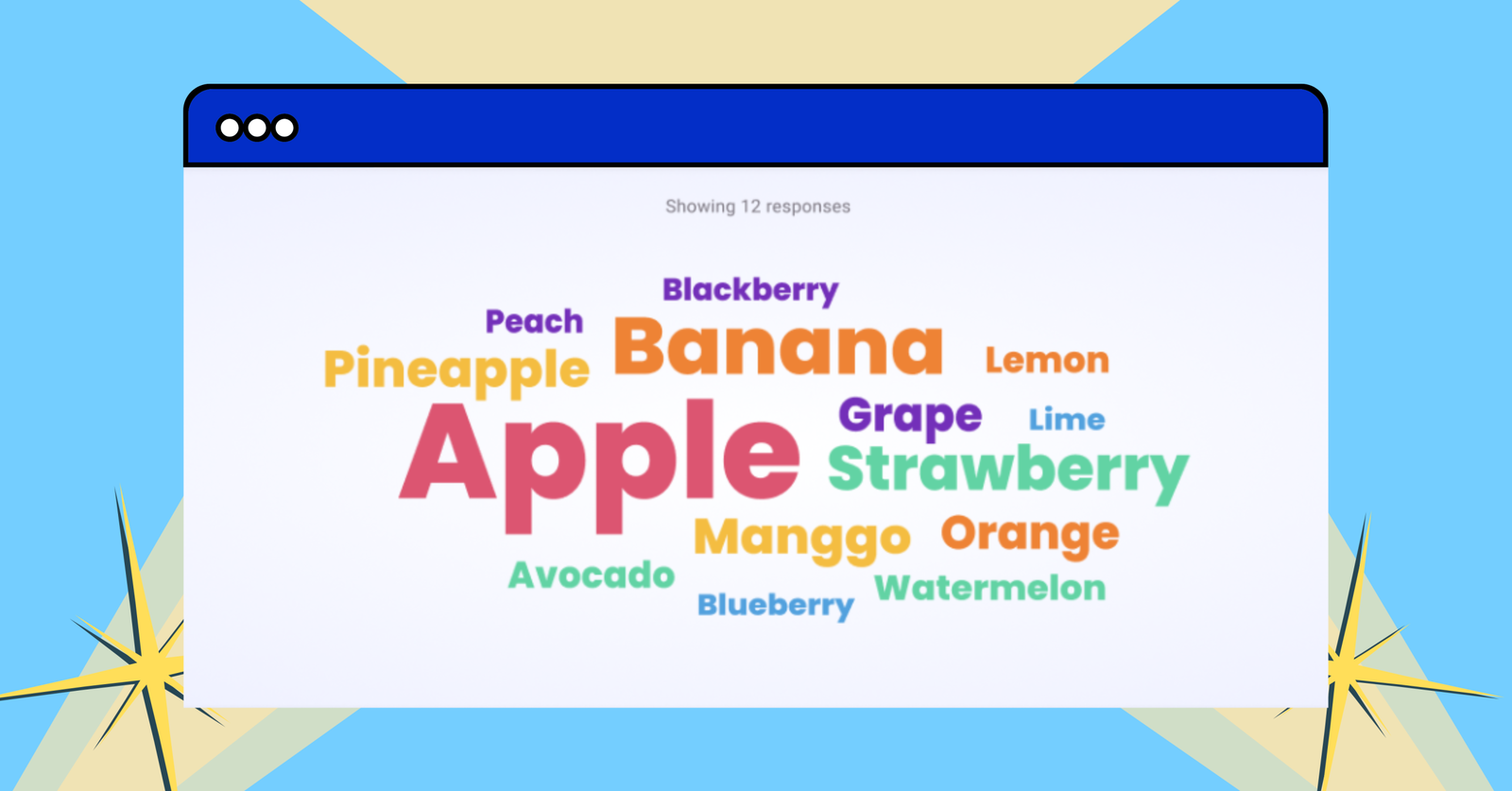
Word clouds work. Live polls work. Any interactive tool works. If you use PowerPoint, ClassPoint allows you to do this easily:
- Run an interactive Word Cloud that turns their thoughts into visual word clouds right inside PowerPoint
- Conduct a Quick Poll for quick pulse checks in different modes: True/False, Yes/No, feedback scale, etc.
The shift isn’t the tool. It’s seeing confusion immediately instead of discovering it on test day.
2. Turn One Lecture Into Student Discovery
Pick one thing you normally explain. Let students figure it out instead. Give them five minutes to research on phones, then share findings. The energy shifts from listening to investigating. You guide. They think.
3. Let Students Create the Review
Before tests, have students create review questions on their phones for classmates to answer. Creating questions forces deeper thinking. Answering peer questions reveals gaps they missed. The phone becomes a study tool they control.
The Bigger Picture
These strategies aren’t about adding more technology to your classroom. They’re about rethinking what phones in the classroom actually mean. Devices that compete for attention become tools that support learning. Distractions to manage become opportunities to teach the digital citizenship skills students actually need. Phones aren’t going away.
The question isn’t “should phones be in classrooms?” They already are.
The question is “how do we use them to make learning better?”
Teachers who answer that question aren’t playing phone police anymore. They’re teaching.
FAQs
What if my school already bans phones in the classroom?
Start with what’s allowed. Can students use phones during group work? Before or after class? During specific activities? Many schools ban constant access but allow targeted use. If your school’s policy is strict, focus on the strategies in this article that don’t require phones—like student-created review materials they make at home or flipped classroom videos they watch outside class hours.
How do I stop students from going off-task when using phones in the classroom?
Give classroom phones a specific job with a time limit. “You have 5 minutes to research X, then we’re sharing what you found.” Clear parameters work better than hoping students self-regulate. When the phone has a purpose tied to immediate participation, off-task use drops naturally. Students know they’re about to share results, so scrolling Instagram becomes less tempting.
What about students who don’t have smartphones?
Pair students or use a mix of phones and school devices. Most classrooms have at least one phone per small group. You can also structure activities where some students research on phones while others document findings or prepare presentations. Not every student needs a device for phone-integrated lessons to work.
Should I allow phones in the classroom for all activities or just some?
Start selective. Use phones for specific activities where they add clear value—quick polls, research tasks, documentation, collaboration. You’re not opening free phone access. You’re integrating them for targeted learning moments. As you get comfortable, you’ll figure out where phones help and where they don’t.
What if I try this and it doesn’t work right away?
First attempts are always messy. Students will test boundaries. Some will go off-task. That’s normal. The difference between teachers who make this work and those who give up is adjustment. If students scroll instead of research, tighten the time limit next time. If they chat instead of collaborate, clarify the task more explicitly. It’s a skill you build, not a switch you flip.
