<p>Want more participation and feedback from your students? These student response systems make every voice count, whether in-person or online.</p>
<p>Explore how Slido, Mentimeter, and ClassPoint stack up across interactivity, Q&A, gamification, analytics, AI, and workflow fit to choose the right tool.</p>
<p>Classroom management can feel overwhelming at the start. These effective classroom management strategies for new teachers make routines smoother and discussions stronger.</p>
<p>AI tools in ClassPoint let teachers build quizzes, review student insights, and access reports directly in PowerPoint to save time and boost learning.</p>
<p>Boost student engagement with 250+ check in questions for icebreakers and group activities. Learn how to make them interactive with ClassPoint tools.</p>
<p>AhaSlides and ClassPoint both make lessons interactive, but in very different ways. This guide compares their features side by side so teachers can see when each tool works best.</p>
<p>Save hours with Edcafe AI by creating personalized flashcards from any topic, text, or file—then make them interactive with ClassPoint for a fun, gamified review session in PowerPoint.</p>
<p>Classroom discussion is where learning comes alive. This guide gives teachers clear, practical steps to lead discussions that engage all students and build collaboration.</p>
<p>Discover the top virtual classroom platforms for 2026. This guide compares leading tools like Edcafe AI, Engageli, Google Classroom with Gemini, Kaltura, and more. Plus tips for choosing the best fit for your teaching needs.</p>
<p>Get 80+ hot take questions ready to use in debates, discussions, and live presentations. Perfect for sparking audience participation and turning quiet rooms into lively conversations.</p>
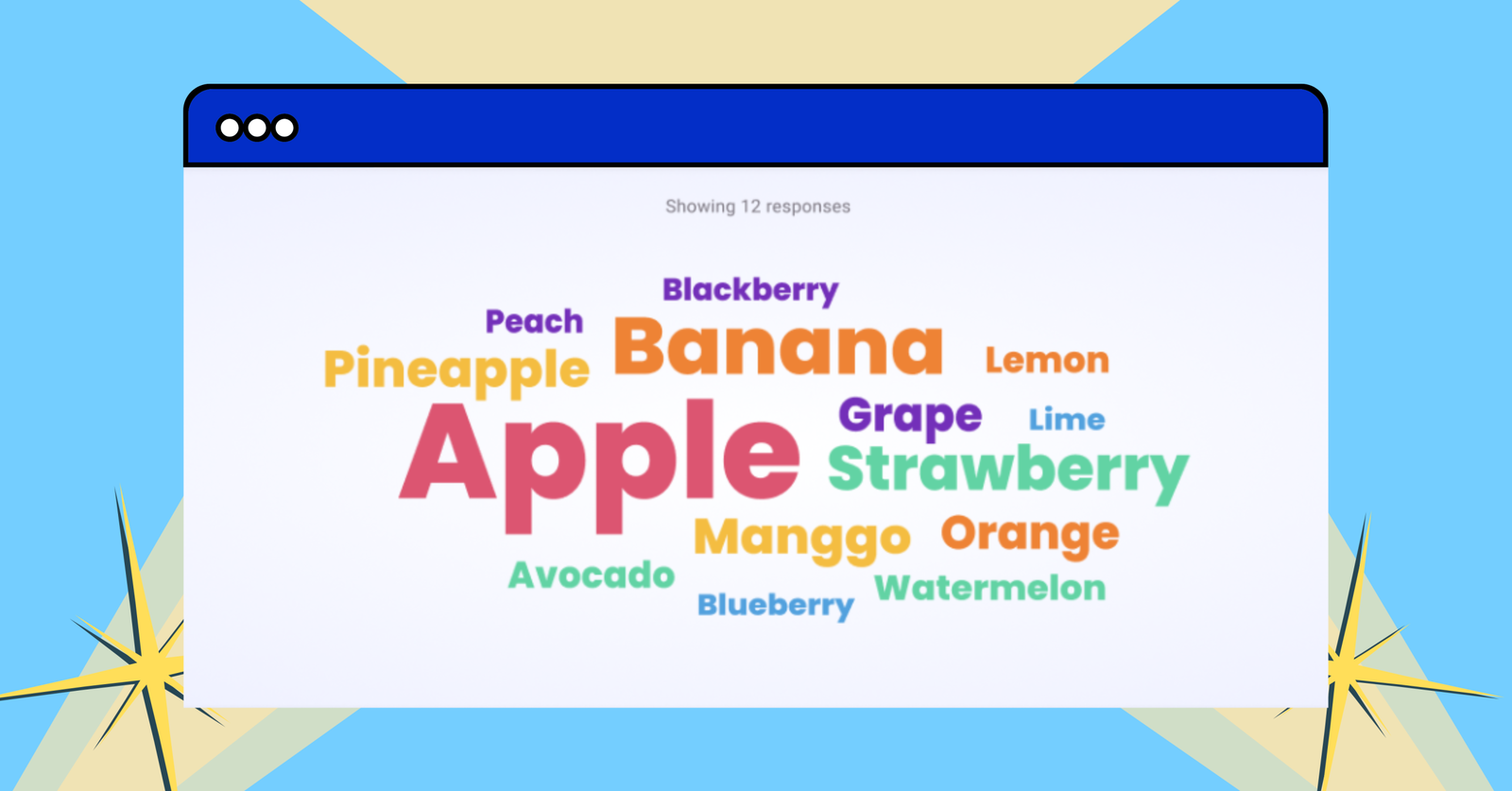
<p>This guide shows you how to create a word cloud in PowerPoint with live audience participation. Discover simple steps to set up, run, and save your word cloud.</p>
1,000,000+ people like you use ClassPoint to boost student engagement in PowerPoint presentations.