<p>Looking for a quiz tool that actually saves time? We tested 6 interactive quiz makers teachers can use—from AI-powered generators to PowerPoint add-ons—with honest ratings and real criteria that matter.</p>
<p>Not all AI chatbots belong in classrooms. We tested six tools that let teachers build custom, curriculum-aligned, student-safe AI chatbots—and verified them by customization, knowledge grounding, tracking, and compliance.</p>
<p>Tired of ugly slides? We tested 6 best AI presentation makers to see which actually help. Honest reviews, real limitations, and recommendations for every use case.</p>
<p>Wondering whether Curipod or ClassPoint is right for your classroom? This blog compares the two tools, highlighting features like interactive activities, gamified rewards, and AI-powered capabilities to help you decide.</p>
<p>Classroomscreen and ClassPoint both support interactive lessons, but they serve very different classroom needs. This practical comparison breaks down how each tool performs in real teaching scenarios, and why ClassPoint holds up better for everyday classroom use.</p>
<p>How do you run interactive live lessons when students stay off camera? CambriLearn solved it without changing how teachers run the lesson. See the rollout, school-level outcomes, and what other schools can copy.</p>
<p>You’ve seen it: teachers use ClassPoint, students are engaged, but when you ask what changed about instruction, the answer is vague. An Abu Dhabi study tracked what it takes to move past that. Teachers went from using ClassPoint to add energy to designing it around where students were confused. This article breaks down the model what the workshops covered, what teachers did differently, and what outcomes schools saw.</p>
<p>If you’ve tried a classroom economy and watched it fade by mid-term, the problem wasn’t your effort or your students. It was the infrastructure. The printed money, the store days, the paydays that kept getting skipped.</p> <p>There’s a version of this that actually lasts. Here’s what it looks like and how to set it up with ClassPoint.</p>
<p>Three research-backed student engagement strategies for long lectures — each takes under 5 minutes and targets a specific reason lectures lose students. Based on peer-reviewed studies across three countries.</p>
<p>Same pupils answering. Quiet ones disappearing. Safa British School’s primary phase had that pattern — until one trial showed a different way to run lessons they already taught. Read how they made every pupil’s thinking visible, school-wide.</p>
Join 1,000,000+ other educators and professionals who are already using ClassPoint to boost audience engagement right inside PowerPoint.
<p>ChatGPT for Teachers brings security and structure to AI planning, but teaching goes beyond text and prep. This article examines what it does well and what teachers may still need.</p>
<p>Teachers have been using ChatGPT in the classroom for a while, but the smartest ones are finding new ways to make it work harder for them. This guide shares the lesser-known features and setups that save time, build better lessons, and connect seamlessly with ClassPoint to turn AI-created slides into real classroom interactions.</p>
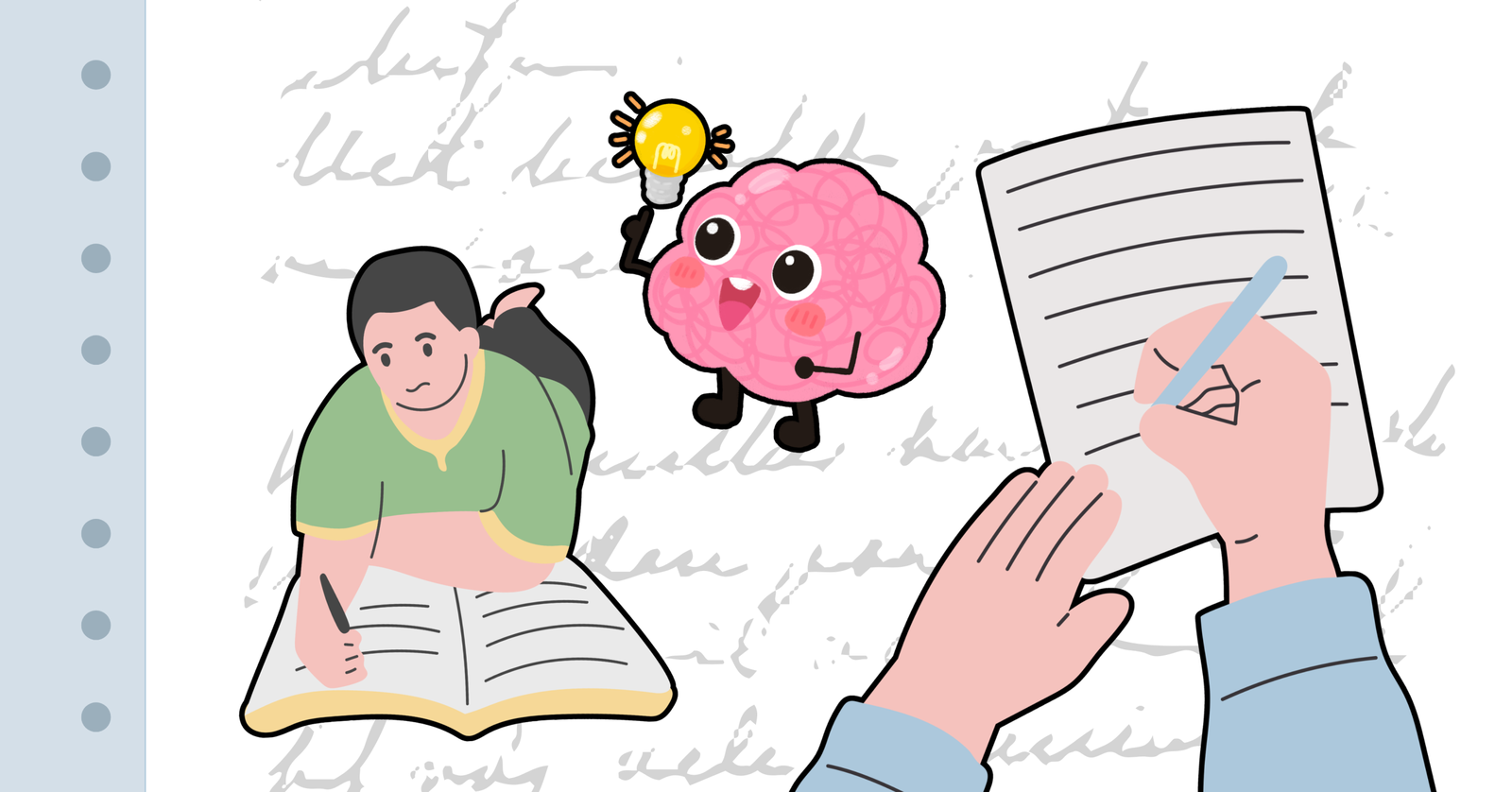
<p>Student writing in a notebook and a hand reviewing a paper with checkmarks, with a cartoon brain holding a lightbulb in between, illustrating paraphrasing activities as a thinking and comprehension skill.</p>
<p>Get 7 interactive ESL activities with free downloadable PowerPoint templates. Includes multiple choice quizzes, fill-in-the-blanks, word clouds, and more—all customizable for different proficiency levels. Perfect for engaging mixed-level classrooms.</p>
<p>Turn your Slidesgo slides into live, engaging presentations with interactive questions and real-time participation—no redesign needed.</p>
<p>You just finished explaining a concept. You ask if there are any questions. Silence. A few nods. One student is still copying notes from three slides ago. Another is staring at you with an expression that could mean anything. You move on. The clock is running. That gap between teaching something and knowing whether it […]</p>
<p>The gap between wanting to help neurodivergent students and knowing what to change is where most educators get stuck. This guide covers what to stop doing first, how to tell accommodation from modification, and six research-backed strategies that work without overhauling your lessons.</p>
<p>Unlock the power of whole-class participation with proven strategies designed to engage every student. From redesigning your questions to creating low-pressure environments, this blog provides actionable tips for improving classroom engagement.</p>
<p>You already spend enough time building slides. The last thing you need is another tool that adds more prep before you can get students involved. And when the lesson’s over, you want to know who actually followed along, not just hope it landed. Slido and ClassPoint both add interactivity to presentations — polls, quizzes, real-time […]</p>
<p>Gamification can support growth mindset in your classroom, but it doesn’t do it automatically. This guide breaks down how to use points, retries, badges, and leaderboards in ways that reward effort and improvement rather than speed and optics. You’ll also find practical rules for running game mechanics, when to ease off, and one small change you can try in your next lesson.</p>
<p>Build a classroom point system that rewards participation, encourages accountability, and tracks progress. Explore practical steps to design your own system, and how ClassPoint can enhance it.</p>
<p>Discover practical ways on how to gamify your classroom. From points to interactive scoreboards, these strategies bring energy and focus to every lesson.</p>
1,000,000+ people like you use ClassPoint to boost student engagement in PowerPoint presentations.